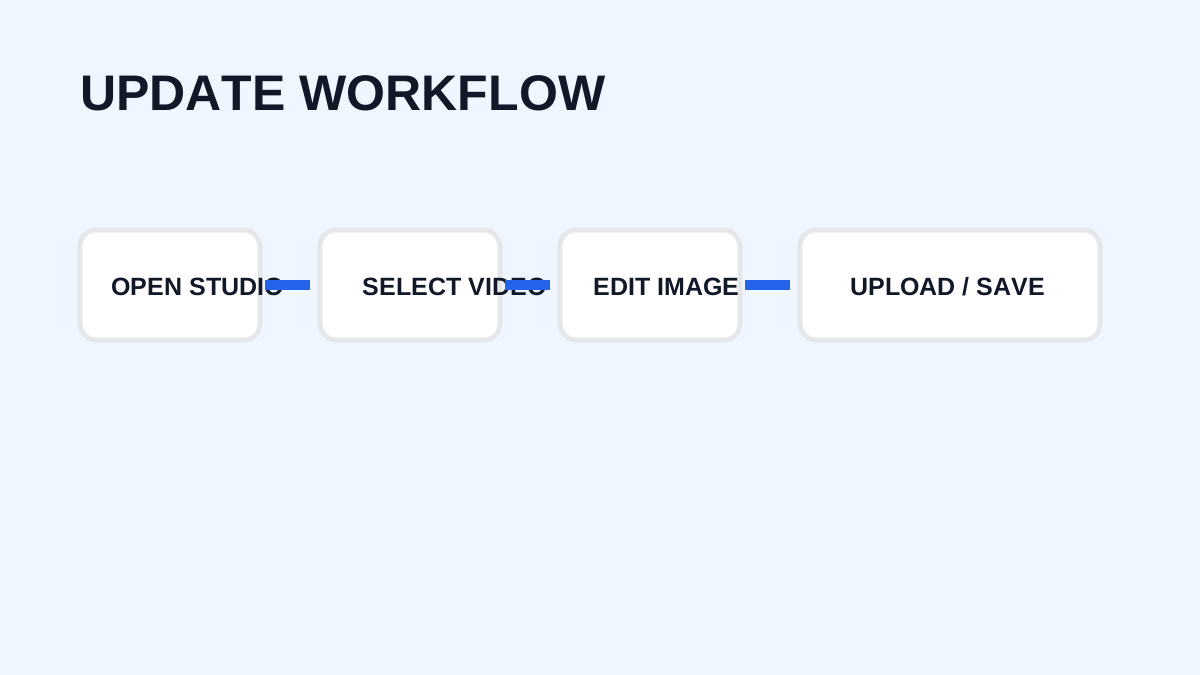
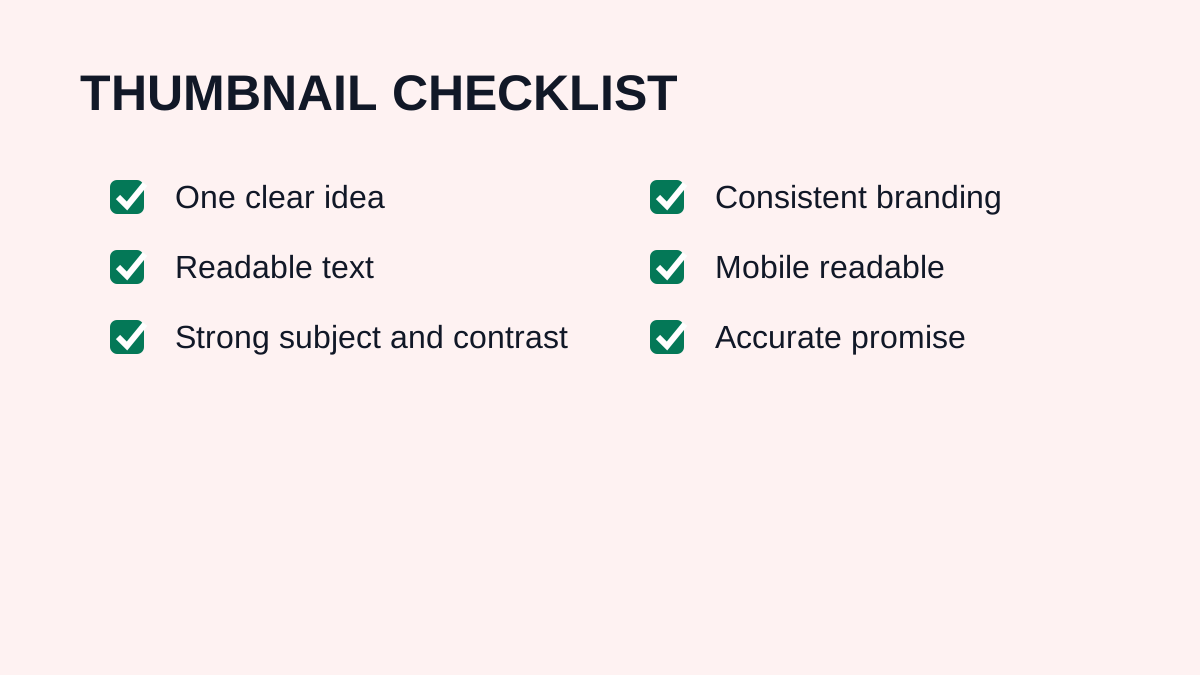
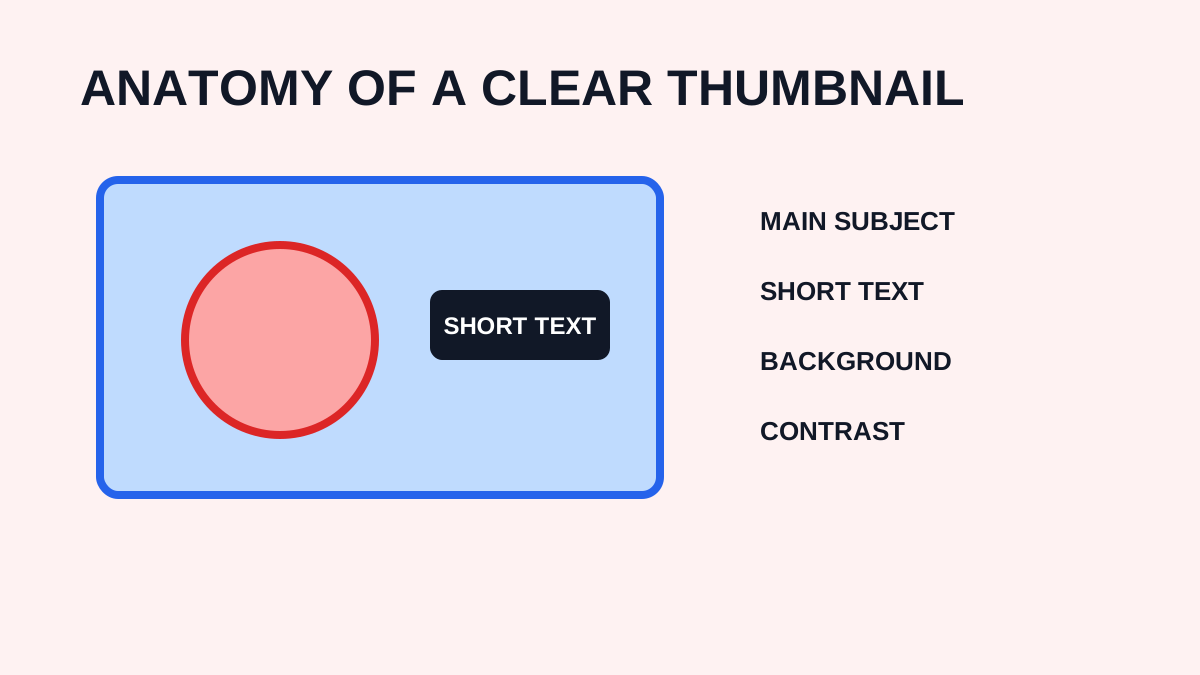
Custom vs Auto-Generated YouTube Thumbnails
Compare the control, speed, and trade-offs of uploading a custom thumbnail versus choosing a frame generated by YouTube.
In this guide
- 1. What Is an Auto-Generated Thumbnail?
- 2. What Is a Custom Thumbnail?
- 3. Advantages of Auto-Generated Thumbnails
- 4. Disadvantages of Auto-Generated Thumbnails
- 5. Advantages of Custom Thumbnails
- 6. When Should You Use a Custom Thumbnail?
- 7. YouTube Thumbnail Requirements
- 8. Custom vs Auto-Generated: Which Is Better?
- 9. Can YouTube Generate Thumbnail Ideas?
- 10. A Practical Strategy
- 11. Frequently Asked Questions
YouTube can provide automatically generated thumbnail suggestions, while creators can also upload custom thumbnails for supported videos. Both approaches have advantages. The right choice depends on the content, design resources, and control you want over how the video is presented.
What Is an Auto-Generated Thumbnail?
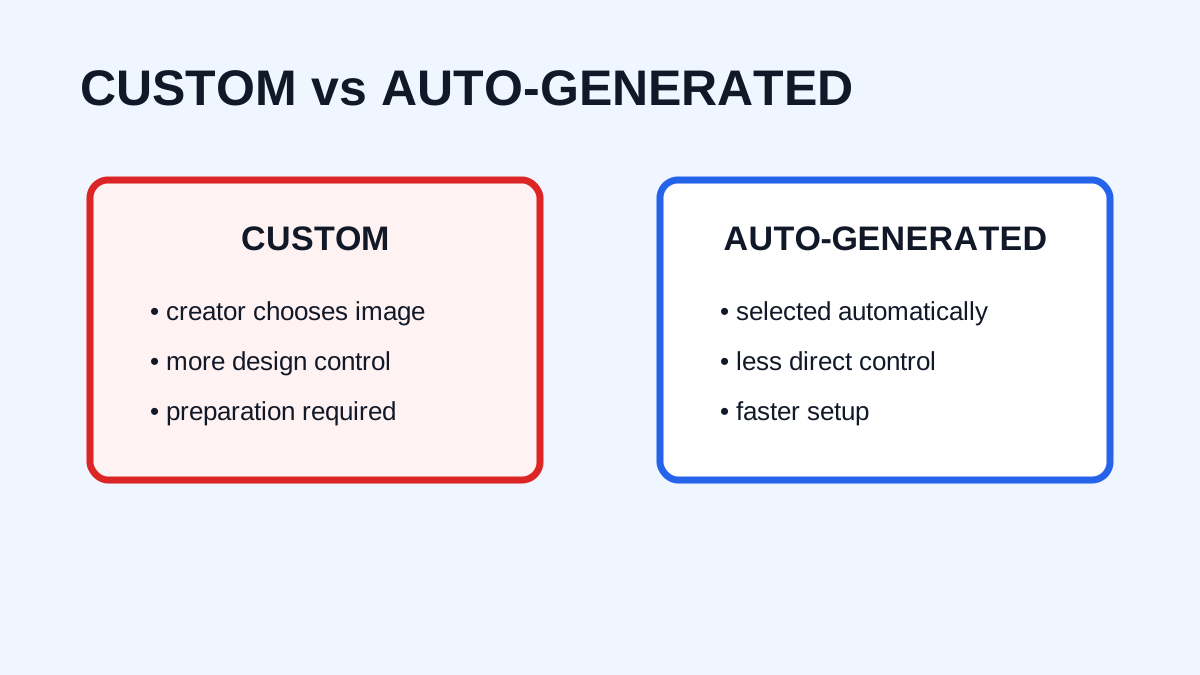
An auto-generated thumbnail is a preview selected or suggested by YouTube from the video's available content. It requires little design work and is useful when publishing quickly.
What Is a Custom Thumbnail?
A custom thumbnail is an image created and uploaded by the creator. It provides control over composition, text, colors, subject, branding, visual hierarchy, and the overall message.
Advantages of Auto-Generated Thumbnails
- Fast: no design work is required.
- Convenient: choose from available suggestions while publishing.
- Useful for simple content: some videos do not need a complex graphic.
- Good when time is limited: frequent publishers can save time.
Disadvantages of Auto-Generated Thumbnails
You have less control over the selected frame, text placement, composition, branding, and visual storytelling. A random frame may contain an awkward expression, poor composition, motion blur, or an unhelpful moment.
Advantages of Custom Thumbnails
Custom images provide creative control, consistent branding, stronger storytelling, and control over short text or visual cues. A custom image can communicate an idea that does not exist in a single video frame.
When Should You Use a Custom Thumbnail?
A custom thumbnail is useful when the topic needs visual explanation, consistent branding matters, the video is competitive, the best idea is not represented by one frame, or you want to test different concepts.
YouTube Thumbnail Requirements
YouTube currently recommends high-resolution custom thumbnails. For standard videos, its help documentation recommends 3840 × 2160 pixels and a 16:9 aspect ratio. For Shorts, it recommends 9:16 for uploaded custom thumbnails. Custom thumbnails must also comply with YouTube's current rules and Community Guidelines.
Custom vs Auto-Generated: Which Is Better?
There is no universal answer. A professionally managed channel may benefit from custom control, while a casual creator may find an automatic option adequate. The important question is whether the thumbnail accurately and clearly represents the video's value. An excellent automatic frame can be better than a poor custom design.
Can YouTube Generate Thumbnail Ideas?
YouTube may provide AI-assisted thumbnail suggestions through supported Studio features and workflows. These tools can help generate ideas, but creators should review the result for accuracy, readability, branding, and relevance.
A Practical Strategy
- Publish with a strong custom thumbnail when it adds value.
- Monitor performance in context.
- Identify videos with weaker results.
- Develop an alternative concept.
- Test when the feature is available.
- Keep the stronger version.
Frequently Asked Questions
Are custom thumbnails better than automatic thumbnails?
Custom thumbnails give more control, but quality depends on the design. An excellent automatic frame can outperform a poorly designed custom image.
Can every video use a custom thumbnail?
Availability depends on account eligibility and YouTube's current rules. YouTube currently states that verification is required for custom thumbnails.
Can Shorts use custom thumbnails?
YouTube's current documentation supports custom Shorts thumbnail uploads through YouTube Studio on a computer for verified accounts, subject to current platform rules.
Should beginners use custom thumbnails?
Custom thumbnails can help beginners build a recognizable visual identity and control how videos appear, provided the design remains clear and relevant.
Need to download a thumbnail?
Use the free YTThumbnaile downloader to retrieve the available public image resolutions from a YouTube video.
Download YouTube Thumbnail