How to Download a YouTube Thumbnail in HD
A practical guide to finding the highest available thumbnail resolution, checking the result, and downloading it without installing software.
In this guide
- 1. What You Need Before Downloading a YouTube Thumbnail
- 2. How to Download a YouTube Thumbnail
- 3. What Is the Best YouTube Thumbnail Resolution?
- 4. Why Download a YouTube Thumbnail?
- 5. Downloading a Thumbnail Is Not Copyright Permission
- 6. Why Use the Original Thumbnail Instead of a Screenshot?
- 7. Common Problems When Downloading YouTube Thumbnails
- 8. Frequently Asked Questions
A YouTube thumbnail is the preview image that represents a video before someone clicks it. Creators use thumbnails to communicate a video's topic and help viewers decide whether to watch. You may want to save one for research, design inspiration, educational analysis, or to check how a creator presents a particular video. Retrieving the image associated with the public video URL is cleaner than taking a screenshot of the YouTube page.
What You Need Before Downloading a YouTube Thumbnail
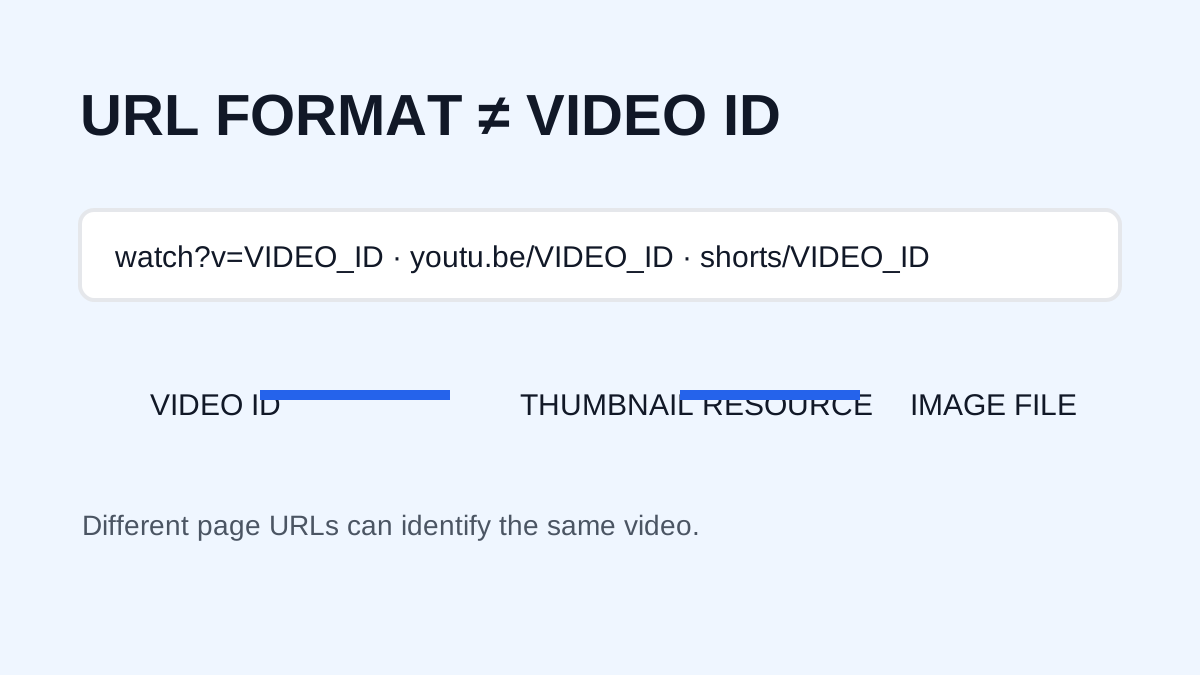
You only need the public URL of the YouTube video. Supported examples include:
youtube.com/watch?v=...youtu.be/...youtube.com/shorts/...
Copy the URL from your browser or YouTube's sharing menu. You do not need to download the video itself because the thumbnail is a separate image associated with the video.
How to Download a YouTube Thumbnail
Step 1: Copy the YouTube video URL
Open YouTube and locate the video whose thumbnail you want to save. Select Share and copy the video link, or copy the address from the browser. Use the actual video URL rather than a search-results URL or unrelated channel page.
Step 2: Open the YouTube Thumbnail Downloader
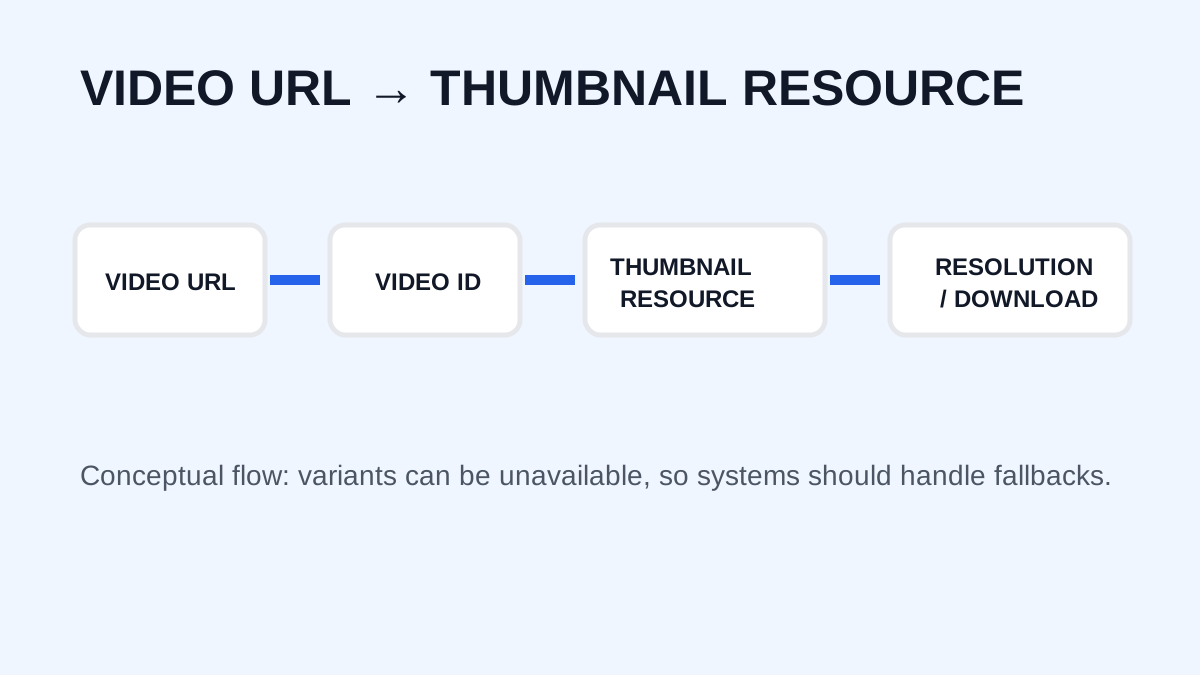
Open YTThumbnaile, paste the video URL into the downloader, and submit it. The tool extracts the video ID and presents the thumbnail image variants available through YouTube's public image system. No registration is required for the core downloader.
Step 3: Check the available thumbnail resolution
Common variants include:
| Thumbnail type | Typical resolution |
| maxresdefault | 1280 × 720 |
| sddefault | 640 × 480 |
| hqdefault | 480 × 360 |
| mqdefault | 320 × 180 |
| default | 120 × 90 |
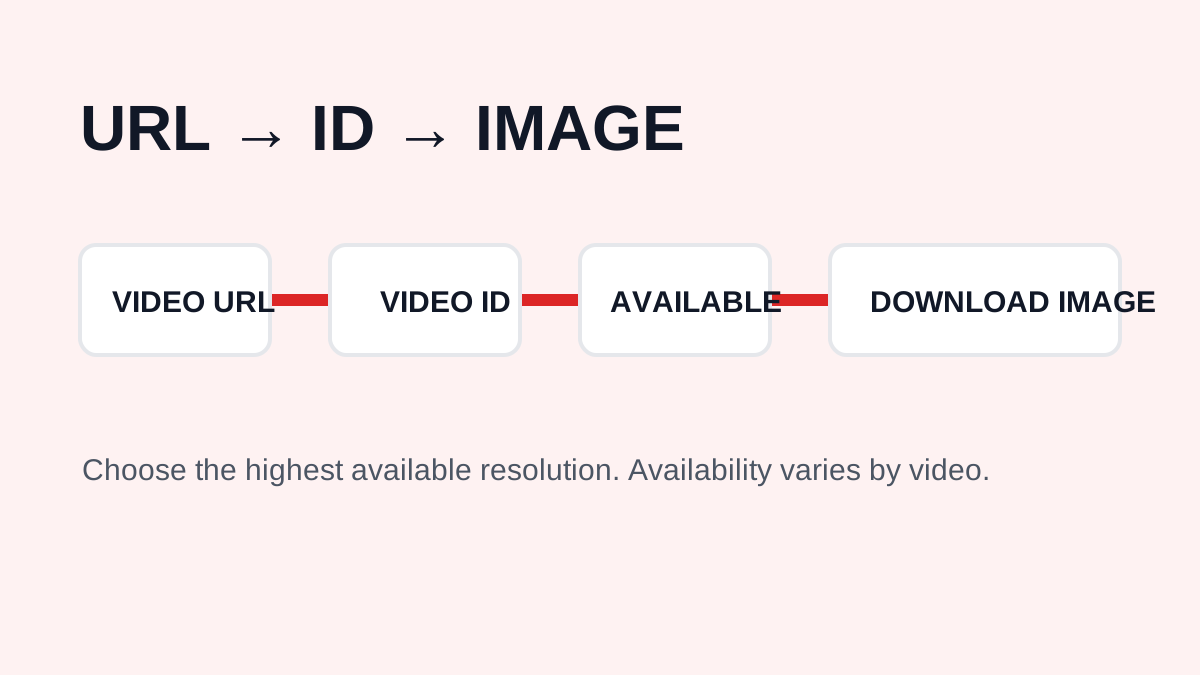
The highest available image is generally the best choice for inspection or reference. Availability varies by video. A 4K video does not automatically have a 4K thumbnail.
Step 4: Download the image
Choose the available high-resolution thumbnail and save it to your device. On desktop, use the browser's image-saving function. On mobile, the exact steps depend on the browser and operating system.
What Is the Best YouTube Thumbnail Resolution?
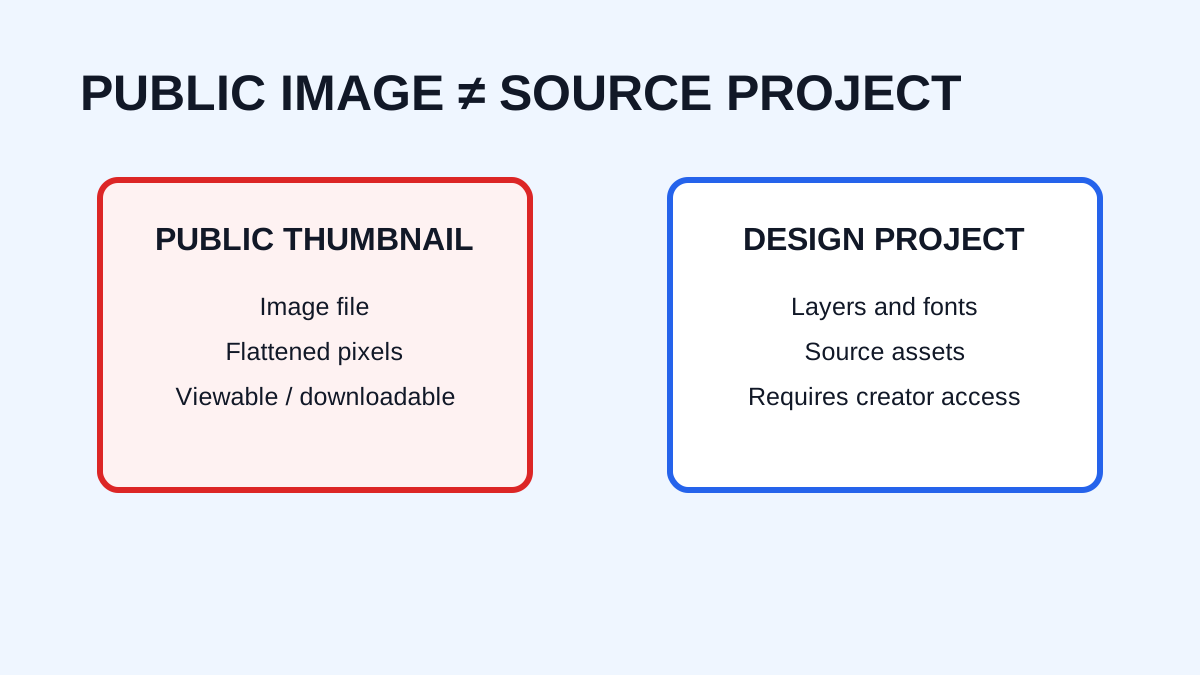
For many videos, 1280 × 720 pixels is the highest commonly available thumbnail size and uses a 16:9 aspect ratio. Keep video resolution, thumbnail resolution, image quality, and the original source file separate: a 1280 × 720 image is not necessarily the creator's original design file, because YouTube may process and serve it through its own infrastructure.
Why Download a YouTube Thumbnail?
Creators can study text, faces, color, composition, contrast, and visual hierarchy. Teachers, students, researchers, and content analysts may use a thumbnail in a presentation or comparison. Channel owners can archive their own published thumbnails or compare old and new designs. Studying public examples can teach design patterns without copying another creator's artwork.
Downloading a Thumbnail Is Not Copyright Permission
A thumbnail can contain copyrighted artwork, photographs, logos, characters, trademarks, or other protected material. Saving an image does not automatically give you permission to republish or use it commercially. Whether a use qualifies as fair use or another exception depends on the circumstances and applicable law. For public, commercial, or project use, consider obtaining permission or using material for which you have appropriate rights. See the Copyright, Fair Use & DMCA Policy.
Why Use the Original Thumbnail Instead of a Screenshot?
A screenshot can include browser elements, surrounding content, interface buttons, scaling, and compression. Retrieving the image directly provides a cleaner file for inspection and avoids capturing the entire page.
Common Problems When Downloading YouTube Thumbnails
The URL is not recognized
Copy the URL directly from the video's page or Share menu and confirm it is a supported YouTube URL.
The highest resolution is unavailable
Not every video has every thumbnail variant. If 1280 × 720 is unavailable, choose the highest resolution that is actually provided instead of enlarging a smaller image.
The image looks different from the player
The thumbnail is separate from the video and may be updated, processed, or served differently by YouTube's image infrastructure.
Frequently Asked Questions
Can I download a YouTube thumbnail without software?
Yes. A browser-based downloader can retrieve the available image from a supported public YouTube URL.
What is the highest thumbnail resolution?
YTThumbnaile retrieves resolutions available through YouTube, with 1280 × 720 being the highest commonly available option for this tool.
Can I download thumbnails from YouTube Shorts?
Yes, when the Shorts URL and associated thumbnail are supported.
Can I use downloaded thumbnails commercially?
Downloading an image does not grant commercial-use rights. Check the rights status and obtain permission when necessary.
Need to download a thumbnail?
Use the free YTThumbnaile downloader to retrieve the available public image resolutions from a YouTube video.
Download YouTube ThumbnailFrequently asked questions
What is the best YouTube thumbnail resolution?
When available, maxresdefault is commonly the largest version at 1280 by 720 pixels. Availability depends on the video.
Can I download a thumbnail without software?
Yes. A browser-based downloader can retrieve the public image URL without installing an application.