How to Change a YouTube Thumbnail
A step-by-step guide to replacing a video thumbnail in YouTube Studio on desktop and mobile, plus a useful pre-publish checklist.
In this guide
- 1. How to Change a Thumbnail for a YouTube Video
- 2. What Size Should the New Thumbnail Be?
- 3. Can You Change a Thumbnail After Publishing?
- 4. How to Change a YouTube Shorts Thumbnail
- 5. Why Can't I Change My Thumbnail?
- 6. Should You Change a Thumbnail That Is Already Performing Well?
- 7. Thumbnail Changes and SEO
- 8. Frequently Asked Questions
Changing a YouTube thumbnail updates how a video is presented to viewers. You can replace an existing custom thumbnail, choose from available suggestions, or update the image after improving your design. Exact options can vary for regular videos and Shorts.
How to Change a Thumbnail for a YouTube Video
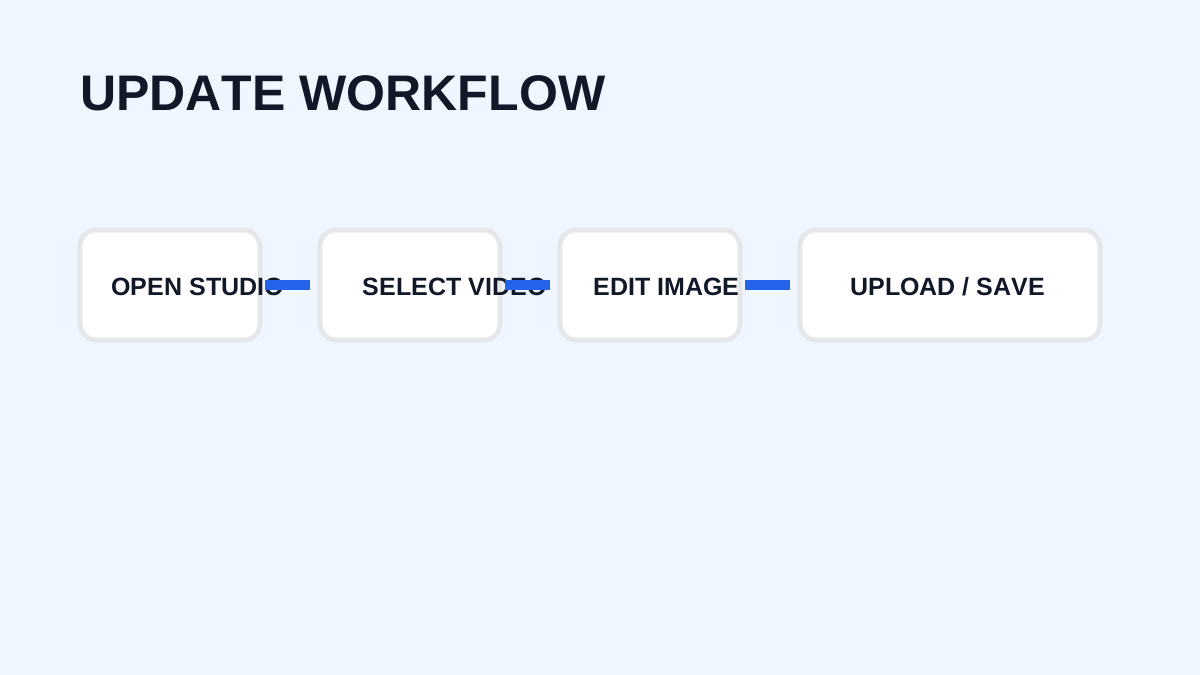
Step 1: Open YouTube Studio
Sign in to YouTube Studio with the account associated with your channel.
Step 2: Open Content
From the left-side menu, select Content.
Step 3: Select the Video
Find the video whose thumbnail you want to change and open its details.
Step 4: Find the Thumbnail Section
Choose the option to upload a new image. YouTube may also provide automatically generated suggestions in supported workflows.
Step 5: Upload the New Image
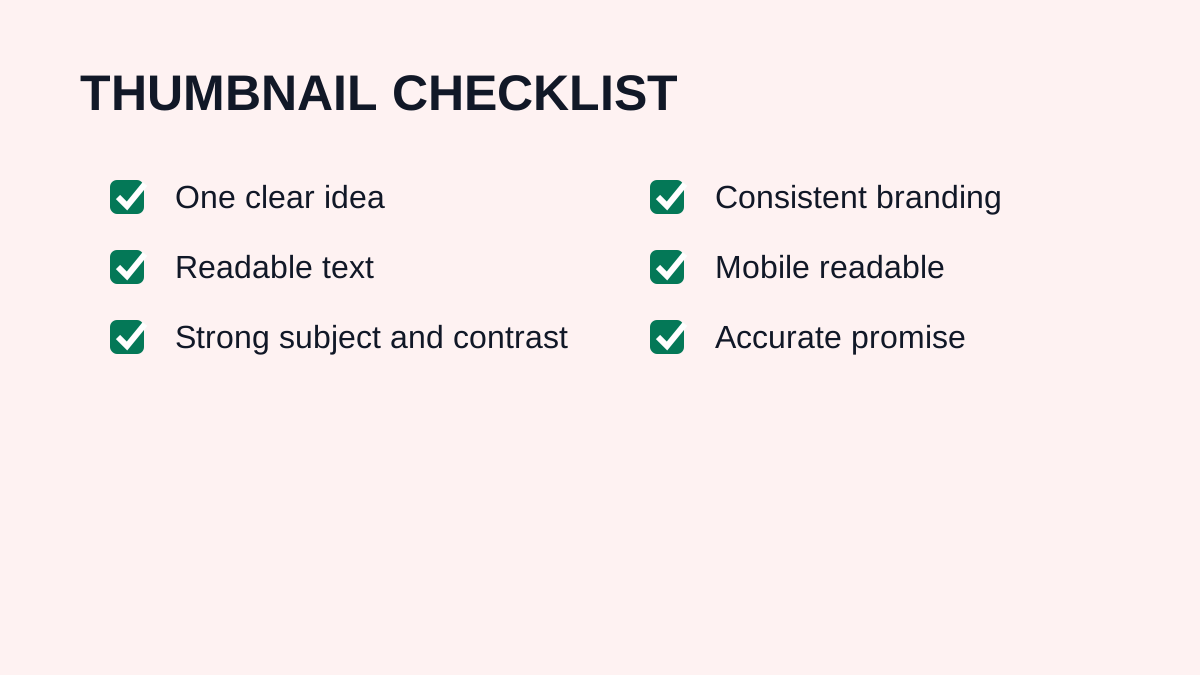
Select a clear, high-quality image that follows YouTube's current requirements and Community Guidelines.
Step 6: Save the Changes
Save the video details. The new thumbnail may not appear everywhere immediately; YouTube notes that changes can take time to become visible.
What Size Should the New Thumbnail Be?
For standard videos, YouTube recommends a 16:9 aspect ratio and currently recommends 3840 × 2160 pixels for custom video thumbnails. The design should remain readable at smaller sizes.
Can You Change a Thumbnail After Publishing?
Yes. You do not need to delete and re-upload a normal video to update its thumbnail. The video URL, views, comments, and other data remain associated with the video.
How to Change a YouTube Shorts Thumbnail
Shorts have different thumbnail behavior. YouTube's current documentation states that custom Shorts thumbnails can be added through YouTube Studio on a computer, with a 9:16 recommended aspect ratio for uploaded custom thumbnails. Controls can vary with the current interface, account, and platform rules.
Why Can't I Change My Thumbnail?
Possible reasons include an account that is not verified where verification is required, a feature not enabled for the account, different rules for Shorts, a changed YouTube interface, an image that does not meet requirements, or a temporary technical issue. YouTube currently states that custom thumbnails require a verified account.
Should You Change a Thumbnail That Is Already Performing Well?
Not automatically. Consider a change when the design is outdated, difficult to understand, mismatched with the video, underperforming, or clearly weaker than a new concept. If YouTube testing features are available, test alternatives rather than replacing a successful design without measurement.
Thumbnail Changes and SEO
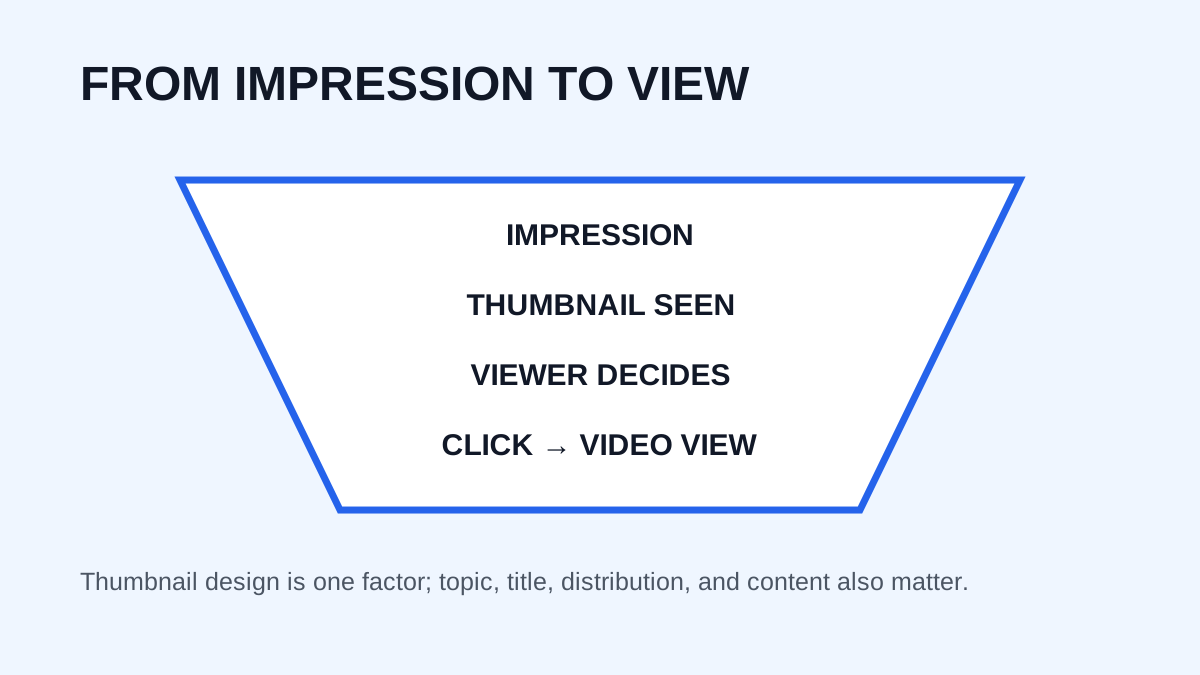
Changing a thumbnail does not replace good SEO. The title, description, topic, audience relevance, content quality, and thumbnail work together. A better thumbnail may improve the chance of a click after an impression, but it cannot compensate for irrelevant content.
Frequently Asked Questions
Can I change a thumbnail without deleting the video?
Yes. Regular video thumbnails can be changed from YouTube Studio.
How long does a thumbnail change take?
YouTube notes that changes may take time to appear across the platform.
Can I change a Shorts thumbnail?
YouTube currently supports custom Shorts thumbnail uploads through YouTube Studio on a computer for verified accounts, subject to current rules.
What is the best format?
Use a 16:9 design for standard videos. YouTube currently recommends 9:16 for uploaded custom Shorts thumbnails.
Need to download a thumbnail?
Use the free YTThumbnaile downloader to retrieve the available public image resolutions from a YouTube video.
Download YouTube Thumbnail