How to Create a YouTube Thumbnail That Gets More Clicks
A practical framework for clearer, more compelling thumbnails without misleading viewers or copying another channel.
In this guide
- 1. Start With the Video's Main Idea
- 2. Use a Strong Visual Hierarchy
- 3. Keep Thumbnail Text Short
- 4. Use Large, Readable Typography
- 5. Choose a Clear Focal Point
- 6. Faces Can Be Powerful, But They Are Not Mandatory
- 7. Create Contrast
- 8. Use Backgrounds and Annotations Carefully
- 9. Design for Mobile Screens
- 10. Do Not Mislead the Viewer
- 11. Use the Thumbnail and Title Together
- 12. Study Successful Thumbnails and Test Concepts
- 13. Common YouTube Thumbnail Mistakes
- 14. A Simple YouTube Thumbnail Checklist
- 15. Frequently Asked Questions
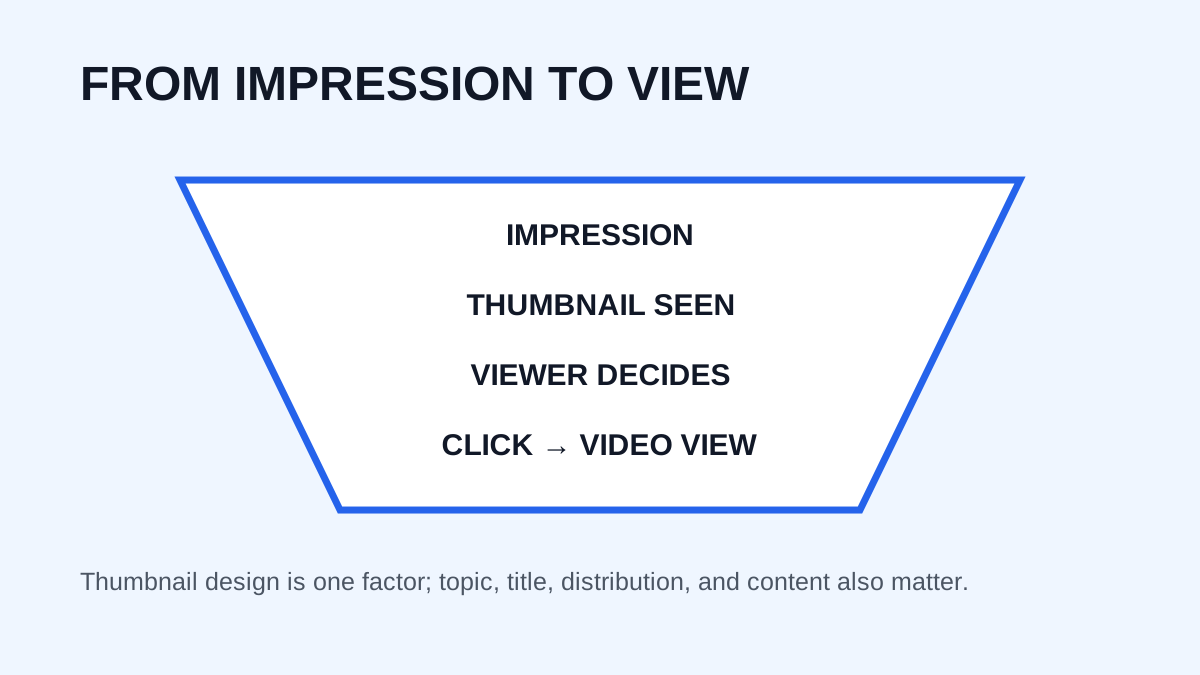
A YouTube thumbnail has one primary job: help the right viewer understand why a video is worth considering. A beautiful image is not automatically effective. Strong thumbnails combine clear communication, visual hierarchy, curiosity, relevance, and readability. The goal is not to trick people into clicking, but to make the video's promise understandable quickly.
Start With the Video's Main Idea
Before opening Photoshop, Canva, Figma, or another design tool, identify the single most important idea in the video. Ask what the video is about, what result is interesting, what problem it solves, what emotion matters, and what visual could communicate the idea immediately. If the answer needs a long explanation, simplify the concept.
Use a Strong Visual Hierarchy
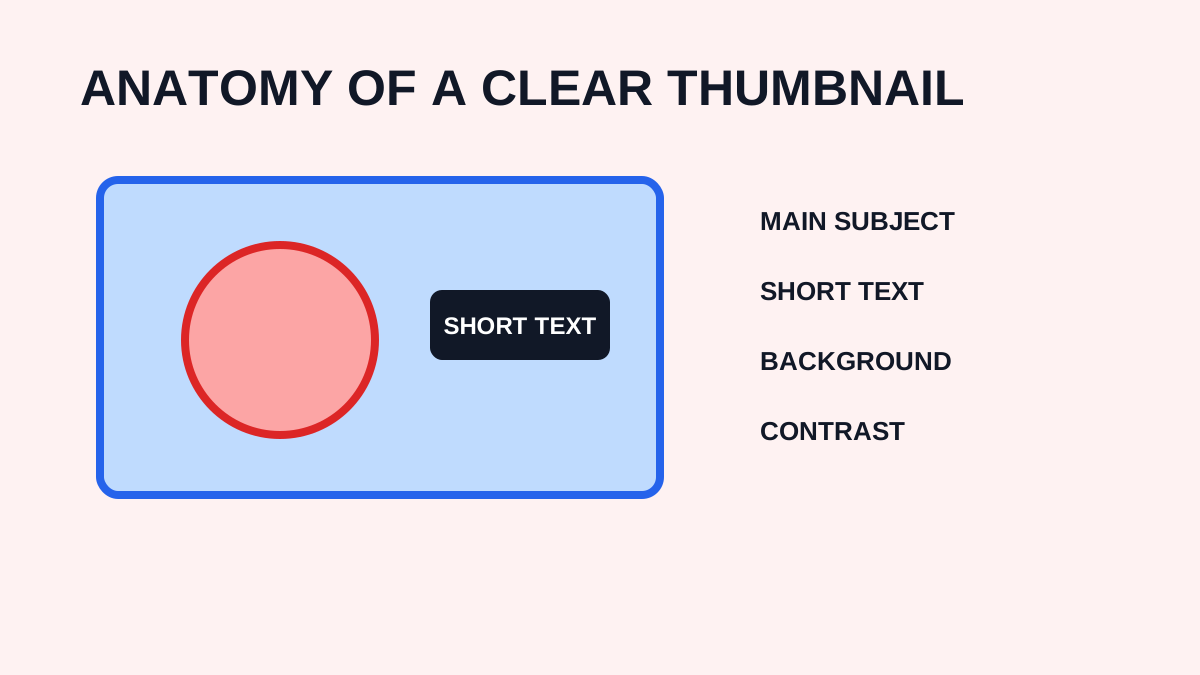
A thumbnail is often displayed at a small size. A useful hierarchy is:
- Main subject
- Supporting visual
- Short text, if needed
- Secondary details
Do not make every element equally prominent. Scale, placement, contrast, and empty space should guide the eye.
Keep Thumbnail Text Short
Do not copy the entire video title onto the image. The title and thumbnail should work together. For example, a title such as “How I Increased My YouTube CTR With Better Thumbnails” might use a shorter phrase such as “MORE CLICKS” if that reflects the real content.
Use Large, Readable Typography
Use strong weight, adequate spacing, high contrast, and only the words needed to communicate the idea. Test the design at a small size before publishing. If the text cannot be understood when reduced, simplify it.
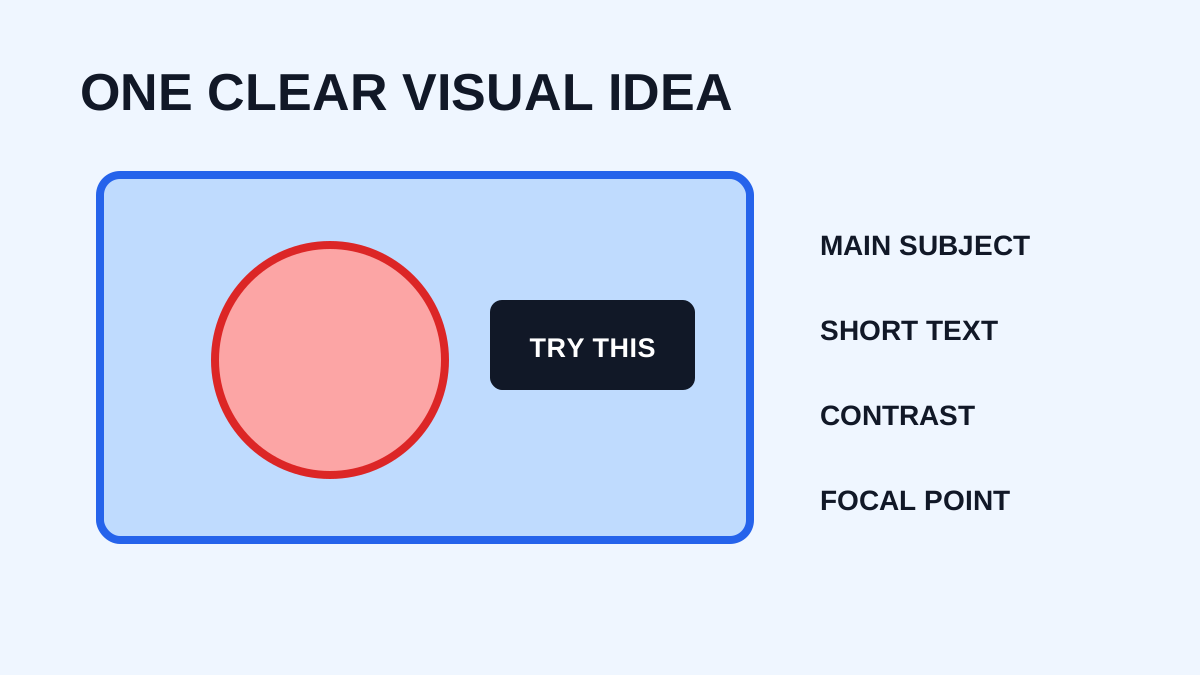
Choose a Clear Focal Point
The focal point might be a face, product, result, before-and-after comparison, number, or distinctive object. Avoid making viewers search through the image to find what matters.
Faces Can Be Powerful, But They Are Not Mandatory
Faces can attract attention because people recognize expressions quickly, but adding a face to every thumbnail is not a universal solution. Use one when it contributes to the message. For tutorials, products, gaming, and educational topics, another visual may communicate more.
Create Contrast
Important elements should stand out through light versus dark, size, foreground versus background, complementary colors, or sharpness. The purpose is not maximum color; it is an obvious visual hierarchy.
Use Backgrounds and Annotations Carefully
A complicated background can compete with the subject. Simplification, controlled blur, darkening, or cropping can help. Arrows and circles should explain or emphasize something specific. Too many annotations, emojis, outlines, and effects make the design cluttered.
Design for Mobile Screens
Shrink the thumbnail before publishing and ask whether the subject is identifiable, the idea is understandable, the text is readable, and important details remain visible. A 1280 × 720 canvas gives you useful working resolution, but the final design must work as a small feed card.
Do Not Mislead the Viewer
Curiosity is useful when the video delivers on the expectation. Avoid fake screenshots, impossible promises, or imagery unrelated to the video. A click that produces immediate disappointment can hurt trust and retention.
Use the Thumbnail and Title Together
The title and thumbnail are two parts of one message. A title such as “How to Edit Your First YouTube Video” could pair with “FIRST VIDEO” on the thumbnail. Avoid wasting both elements by repeating the same sentence.
Study Successful Thumbnails and Test Concepts
Use the thumbnail downloader to inspect public examples in your niche. Look for composition, text length, expressions, colors, object placement, negative space, and visual storytelling. Use those observations to form your own ideas rather than copying a creator's design. Where your workflow allows it, compare meaningful alternatives such as face versus product, text versus no text, or close-up versus wide composition.
Common YouTube Thumbnail Mistakes
- Too much text that cannot be read quickly.
- Too many objects competing for attention.
- Weak contrast that hides important elements.
- A subject too small to identify.
- Generic imagery unrelated to the video's specific promise.
- Excessive effects that overwhelm the composition.
- Misleading imagery that the video does not deliver.
A Simple YouTube Thumbnail Checklist
Before publishing, ask:
- Is the main idea immediately obvious?
- Is the most important object large enough?
- Can the image be understood on mobile?
- Is the text short and readable?
- Does the design complement the title?
- Is it relevant to the actual video?
- Does it create curiosity without misleading?
Frequently Asked Questions
What size should I use?
A 1280 × 720 pixel canvas is a common choice because it uses the standard 16:9 aspect ratio.
How much text should a thumbnail have?
There is no universal word limit, but shorter text is generally easier to read. Use only the words necessary to communicate the main idea.
Do faces increase clicks?
Faces can attract attention, but they are not guaranteed to increase clicks. Relevance and overall design still matter.
Should my thumbnail match my title?
They should work together and can communicate complementary information rather than repeating the same words.
Can I download other creators' thumbnails for inspiration?
You can retrieve public examples for analysis or reference, but downloading an image does not automatically grant permission to republish or reuse it commercially. Consider copyright and other applicable rights.
Need to download a thumbnail?
Use the free YTThumbnaile downloader to retrieve the available public image resolutions from a YouTube video.
Download YouTube Thumbnail