YouTube Thumbnail Size: Complete Guide
Understand YouTube thumbnail dimensions, 16:9 framing, file limits, formats, and how to design for small screens.
In this guide
- 1. What Size Should a YouTube Thumbnail Be?
- 2. Why Is 1280 × 720 Commonly Used?
- 3. YouTube Thumbnail Aspect Ratio
- 4. Common YouTube Thumbnail Dimensions
- 5. Does a 4K Video Have a 4K Thumbnail?
- 6. Why Your Thumbnail Can Look Blurry
- 7. How to Design a Better YouTube Thumbnail
- 8. How to Check the Size of a YouTube Thumbnail
- 9. YouTube Thumbnail Resolution vs Video Resolution
- 10. How YTThumbnaile Handles Thumbnail Resolution
- 11. Frequently Asked Questions
Your YouTube thumbnail is one of the first visual elements viewers see. Using the right dimensions helps prevent blurry images, unwanted cropping, stretched graphics, and poor presentation across devices.
What Size Should a YouTube Thumbnail Be?
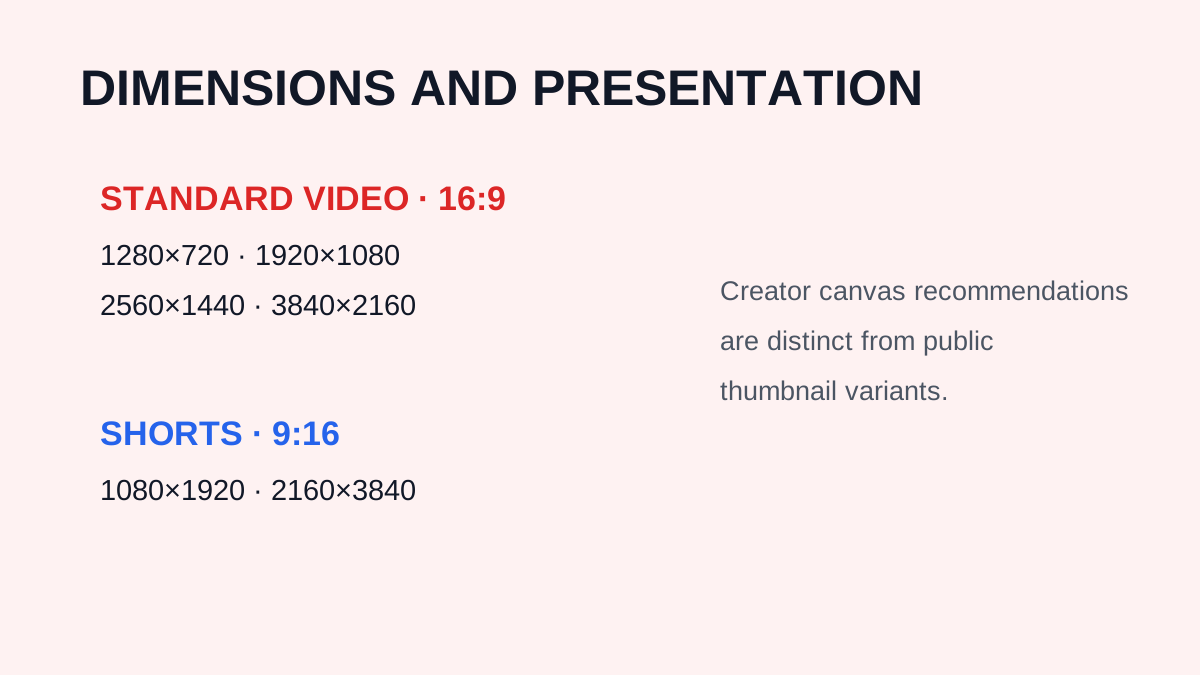
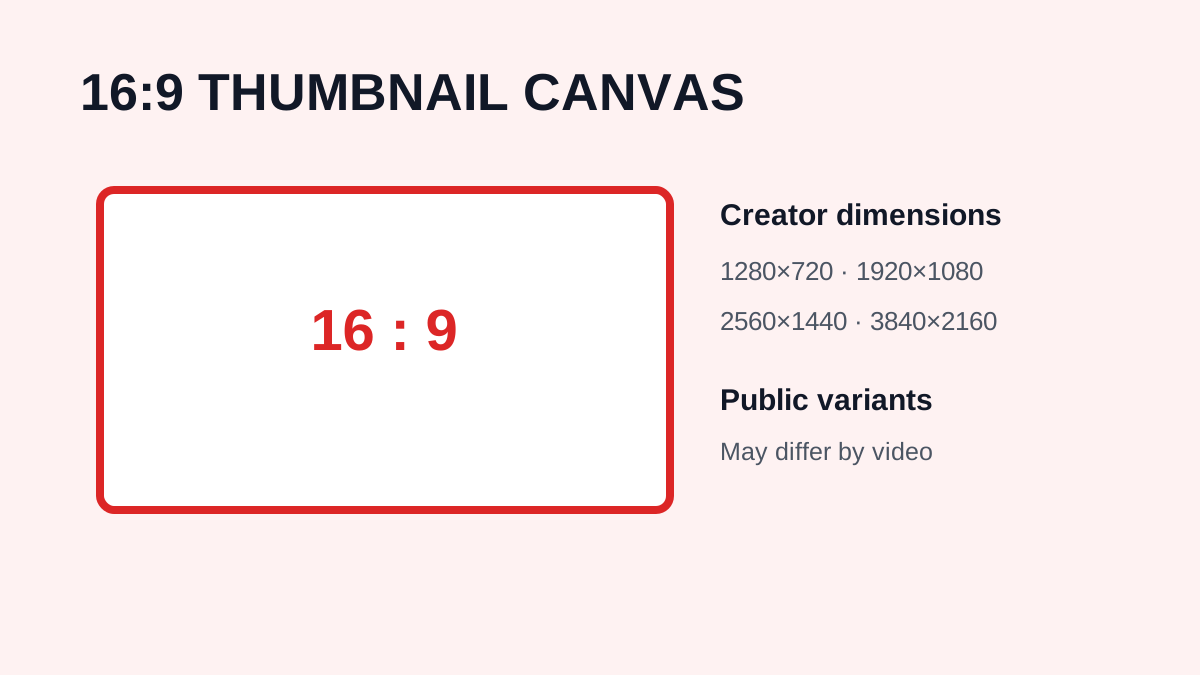
A standard YouTube thumbnail uses a 16:9 aspect ratio. A commonly recommended working size is 1280 × 720 pixels. This is HD/720p, not 1080p. Full HD is approximately 1920 × 1080 pixels.
- 1280 × 720 = HD / 720p
- 1920 × 1080 = Full HD / 1080p
Why Is 1280 × 720 Commonly Used?
A 1280 × 720 canvas provides room for headlines, faces, products, logos, backgrounds, and effects while matching the widescreen shape used by YouTube. Starting with the intended canvas is better than enlarging a finished small design.
YouTube Thumbnail Aspect Ratio
For every 16 units of width, a 16:9 image has 9 units of height. Examples include 1280 × 720, 1920 × 1080, and 640 × 360. A very different aspect ratio may display with cropping or empty space.
Common YouTube Thumbnail Dimensions
| Resolution | Aspect ratio | Common use |
| 1280 × 720 | 16:9 | Standard high-resolution thumbnail canvas |
| 1920 × 1080 | 16:9 | Full HD design source |
| 640 × 360 | 16:9 | Smaller preview |
| 480 × 270 | 16:9 | Small preview |
| 320 × 180 | 16:9 | Low-resolution preview |
When downloading an existing image, you are limited by the variants actually made available by YouTube.
Does a 4K Video Have a 4K Thumbnail?
Not necessarily. Video resolution and thumbnail resolution are separate properties. A creator can upload a 4K video while the associated thumbnail is served at a lower resolution. Do not expect a 3840 × 2160 thumbnail simply because the video is 4K.
Why Your Thumbnail Can Look Blurry
A small starting image, excessive text, low-quality source photographs, aggressive compression, and an overcrowded design can all make a thumbnail look unclear. Correct canvas dimensions cannot repair a poor source image or a design that is too dense to read at feed size.
How to Design a Better YouTube Thumbnail
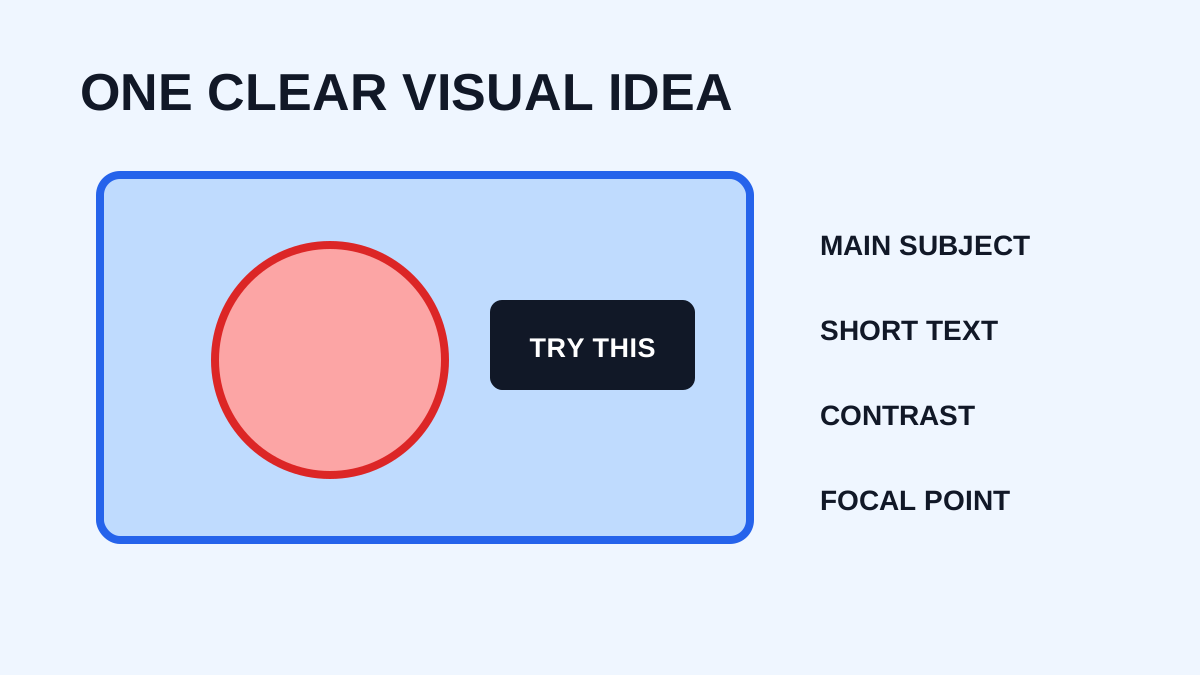
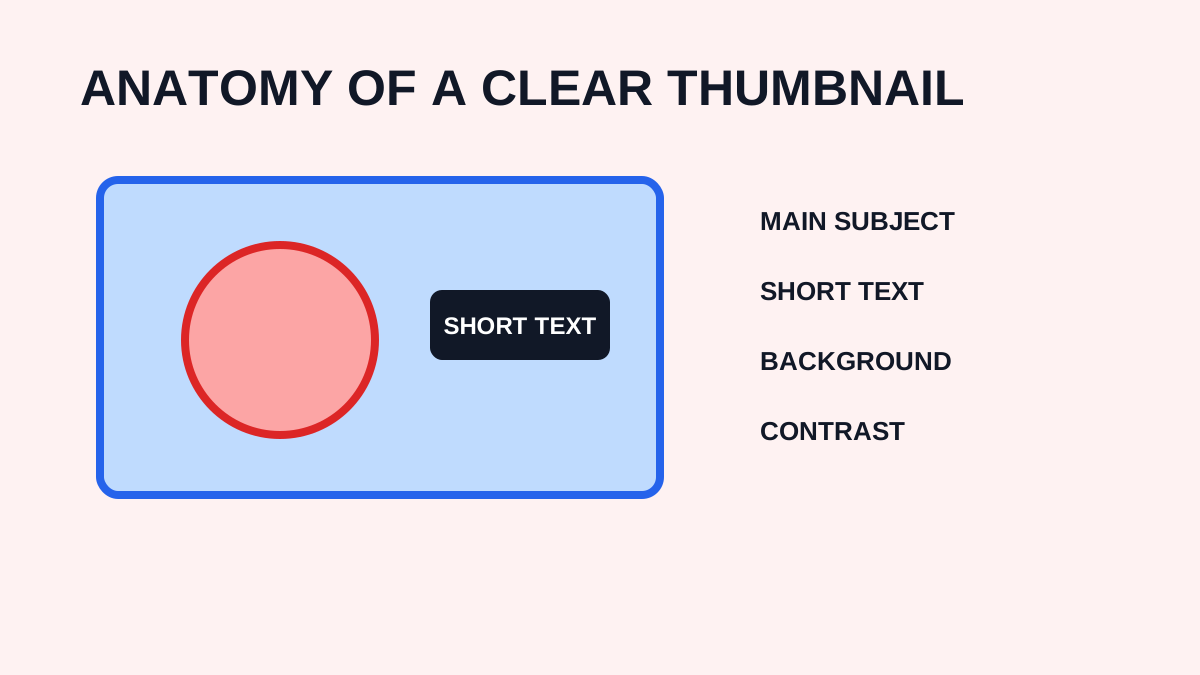
Use one clear visual idea, make important text short and readable, create contrast, and keep faces or key objects prominent. Shadows, outlines, glows, and arrows can help when used intentionally, but too many effects create clutter. Review the design at the small size viewers will see.
How to Check the Size of a YouTube Thumbnail
After downloading an image, inspect its properties in your operating system or image editor. Check width, height, file format, and file size. This helps compare variants and confirm that a supposed high-resolution file is actually larger.
YouTube Thumbnail Resolution vs Video Resolution
Video resolution describes the dimensions of video frames, such as 1280 × 720, 1920 × 1080, or 3840 × 2160. Thumbnail resolution describes the preview image. The two values do not have to match.
How YTThumbnaile Handles Thumbnail Resolution
YTThumbnaile retrieves the thumbnail variants available for a video instead of artificially enlarging an image. Common labels include maxresdefault (1280 × 720), sddefault (640 × 480), hqdefault (480 × 360), mqdefault (320 × 180), and default (120 × 90). If the highest variant is unavailable, the tool should not pretend to provide a genuine higher-resolution version.
Frequently Asked Questions
What is the best YouTube thumbnail size?
A 1280 × 720 pixel canvas is a common choice because it provides a 16:9 layout.
Is 1280 × 720 1080p?
No. It is HD/720p. 1080p is 1920 × 1080.
Should YouTube thumbnails be 16:9?
Yes. 16:9 is the standard widescreen format for YouTube thumbnails.
Does YouTube support 4K thumbnails?
A 4K video does not necessarily have a 4K thumbnail. Thumbnail resolution is separate from video resolution.
What format should I use?
JPEG and PNG are common choices. The best format depends on whether you prioritize photographic compression, transparency, or file size.
Need to download a thumbnail?
Use the free YTThumbnaile downloader to retrieve the available public image resolutions from a YouTube video.
Download YouTube ThumbnailFrequently asked questions
What size should a YouTube thumbnail be?
Use 1280 by 720 pixels with a 16:9 aspect ratio for a dependable starting canvas.
Can I use a smaller thumbnail?
A smaller image may be accepted, but it can look soft on larger displays. Start with the recommended canvas whenever possible.