Best YouTube Thumbnail Sizes and Dimensions
A quick reference for thumbnail canvas size, aspect ratio, export formats, and sizing decisions across common creator workflows.
In this guide
- 1. What Is the Best YouTube Thumbnail Size?
- 2. Is 1280 × 720 Still a YouTube Thumbnail Size?
- 3. YouTube Thumbnail Dimensions Explained
- 4. What Size Should YouTube Shorts Thumbnails Be?
- 5. 16:9 vs 9:16
- 6. Does Video Resolution Determine Thumbnail Resolution?
- 7. What File Format Should You Use?
- 8. How Large Can a Thumbnail File Be?
- 9. Why Does My Thumbnail Look Blurry?
- 10. Should You Always Design at 4K?
- 11. Best Thumbnail Size for Mobile
- 12. Common Thumbnail Size Mistakes
- 13. Frequently Asked Questions
Choosing the correct YouTube thumbnail size helps images look sharp and display properly across devices. Size is only one part of the decision: aspect ratio, image quality, file size, and whether the content is a standard video or a Short also matter.
What Is the Best YouTube Thumbnail Size?
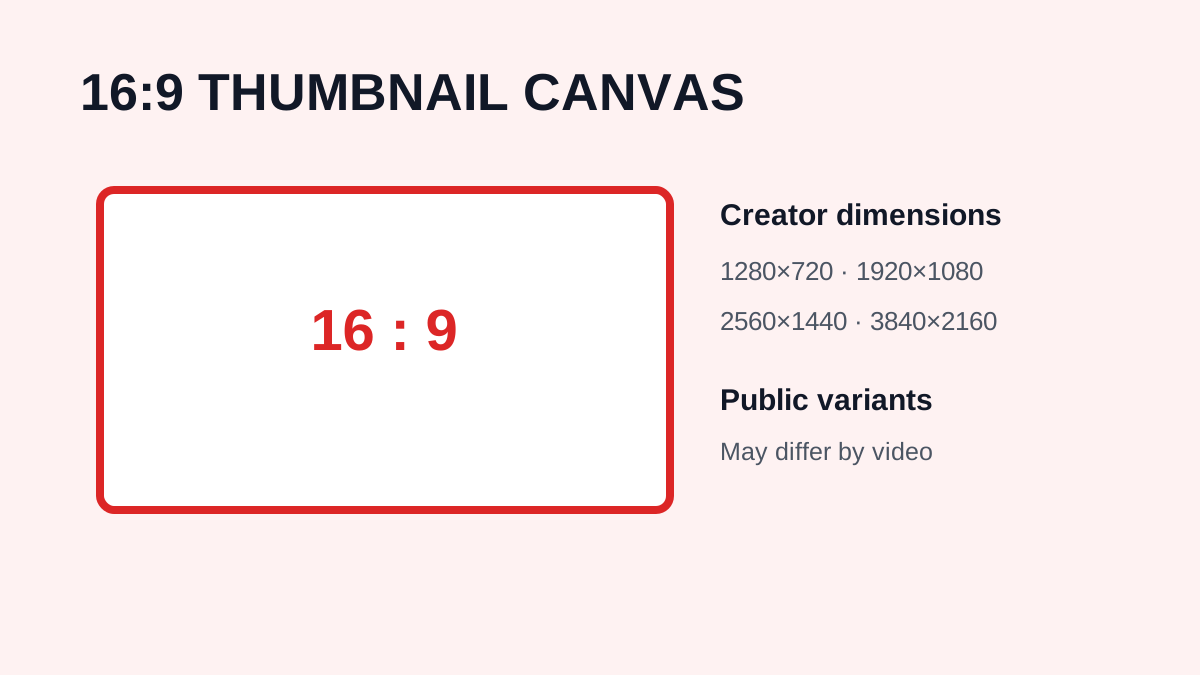
For standard YouTube videos, YouTube currently recommends a 16:9 aspect ratio and lists 3840 × 2160 pixels as its recommended thumbnail resolution. It also specifies a minimum width of 640 pixels. This is different from the commonly mentioned 1280 × 720 size.
Is 1280 × 720 Still a YouTube Thumbnail Size?
Yes. 1280 × 720 is a 16:9 image and has long been widely used for YouTube thumbnails. It is 720p HD, not 1080p. A 1920 × 1080 image is 1080p, and 3840 × 2160 is commonly described as 4K UHD. YouTube's current creator documentation recommends 3840 × 2160 for custom video thumbnails.
YouTube Thumbnail Dimensions Explained
| Resolution | Common description | Aspect ratio |
| 640 × 360 | Smaller 16:9 image | 16:9 |
| 1280 × 720 | HD / 720p | 16:9 |
| 1920 × 1080 | Full HD / 1080p | 16:9 |
| 2560 × 1440 | QHD / 1440p | 16:9 |
| 3840 × 2160 | 4K UHD | 16:9 |
For a new standard-video thumbnail, following YouTube's current recommendation is preferable to relying only on older size advice.
What Size Should YouTube Shorts Thumbnails Be?
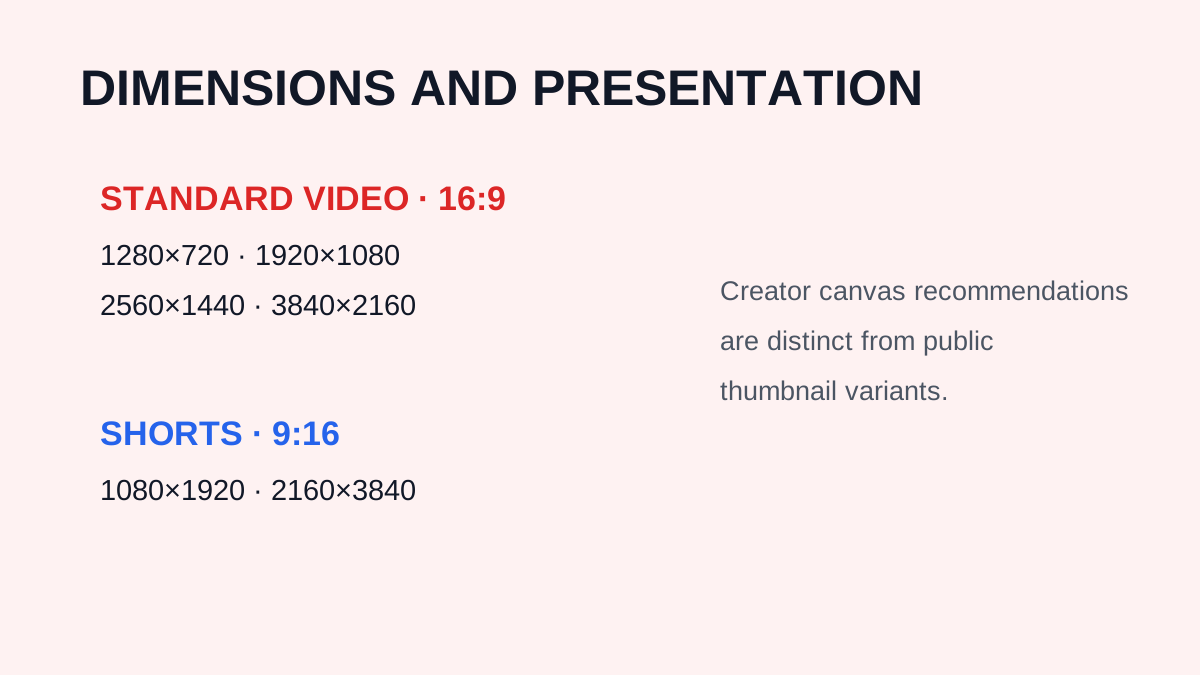
Shorts use a vertical format. YouTube currently recommends a 9:16 aspect ratio for uploaded custom Shorts thumbnails and lists 2160 × 3840 pixels as a recommended resolution. This is different from the traditional 16:9 format.
16:9 vs 9:16
Standard YouTube video thumbnails use 16:9, such as 1280 × 720 or 3840 × 2160. YouTube Shorts use 9:16, such as 1080 × 1920 or 2160 × 3840.
Does Video Resolution Determine Thumbnail Resolution?
No. A video can be uploaded in 4K while its thumbnail is a separate image asset. A creator can also prepare a thumbnail at a resolution different from the video. Treat video resolution and thumbnail resolution as separate specifications.
What File Format Should You Use?
YouTube supports common image formats such as JPG and PNG. JPG can be useful for smaller files, while PNG can help with graphics that benefit from lossless compression or transparency during editing. The best choice depends on the image and current YouTube requirements.
How Large Can a Thumbnail File Be?
Current limits can depend on the device and thumbnail type. YouTube's help documentation may list different maximum file sizes for mobile and desktop uploads. If an upload fails, check the current YouTube requirements rather than relying on an old article.
Why Does My Thumbnail Look Blurry?
Low-resolution source images, excessive compression, enlarging a small image, poor photographs, export settings, and scaled browser previews can all make thumbnails look blurry. Starting with a high-quality source is better than trying to repair a soft image afterwards.
Should You Always Design at 4K?
For new standard-video thumbnails, a high-resolution canvas can provide flexibility, and YouTube currently recommends 3840 × 2160 for video thumbnails. Increasing the canvas does not automatically improve a low-resolution source image.
Best Thumbnail Size for Mobile
There is no separate dimension simply because you design on a phone. Standard videos use 16:9 and Shorts use 9:16. In both cases, the design must remain readable at a small display size.
Common Thumbnail Size Mistakes
- Calling 1280 × 720 “1080p”; it is 720p.
- Assuming a 4K video means a 4K thumbnail; they are separate assets.
- Using the wrong aspect ratio for a Short or standard video.
- Designing without testing at small size.
Frequently Asked Questions
What is the best YouTube thumbnail size in 2026?
YouTube currently recommends 3840 × 2160 pixels for standard video thumbnails, with a 16:9 aspect ratio.
Is 1280 × 720 a good YouTube thumbnail size?
Yes. It is a valid 16:9 HD size, although YouTube's current recommendation for custom video thumbnails is higher resolution.
Is 1280 × 720 1080p?
No. 1280 × 720 is 720p. 1920 × 1080 is 1080p.
What is the best Shorts thumbnail ratio?
YouTube currently recommends 9:16 for uploaded custom Shorts thumbnails.
Can I use a 1920 × 1080 thumbnail?
Yes. It is a standard 16:9 Full HD image, although YouTube currently recommends a higher-resolution 3840 × 2160 source for custom video thumbnails.
Need to download a thumbnail?
Use the free YTThumbnaile downloader to retrieve the available public image resolutions from a YouTube video.
Download YouTube Thumbnail