How to Make YouTube Thumbnails on Mobile
A device-friendly workflow for planning, designing, checking, and exporting YouTube thumbnails from a phone or tablet.
In this guide
- 1. What You Need
- 2. Step 1: Start With the Correct Canvas
- 3. Step 2: Choose One Main Subject
- 4. Step 3: Add Short Text
- 5. Step 4: Improve Contrast
- 6. Step 5: Make the Subject Stand Out
- 7. Step 6: Preview the Thumbnail at a Small Size
- 8. Step 7: Export at High Quality
- 9. Mobile Thumbnail Design Tips
- 10. Can You Make Professional Thumbnails on a Phone?
- 11. Mobile Thumbnail Workflow
- 12. Frequently Asked Questions
You do not need a desktop computer to create an effective YouTube thumbnail. Mobile design apps can handle cropping, text, background removal, image editing, and export. The key is creating a thumbnail that remains clear at a small size.
What You Need
You generally need a smartphone, a design or image-editing app, a high-quality photo or graphic, your video topic, and a clear thumbnail concept.
Step 1: Start With the Correct Canvas
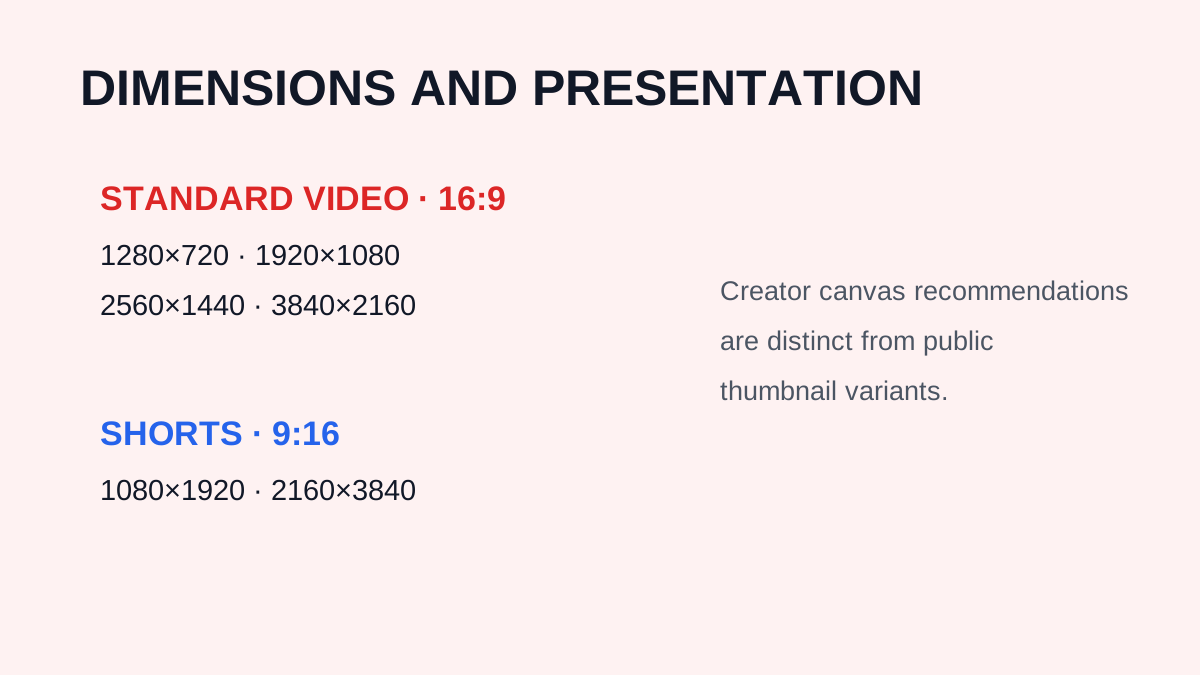
For a standard video, create a 16:9 canvas. YouTube currently recommends 3840 × 2160 pixels for video thumbnails. For Shorts, the recommended aspect ratio for custom uploaded thumbnails is 9:16.
Step 2: Choose One Main Subject
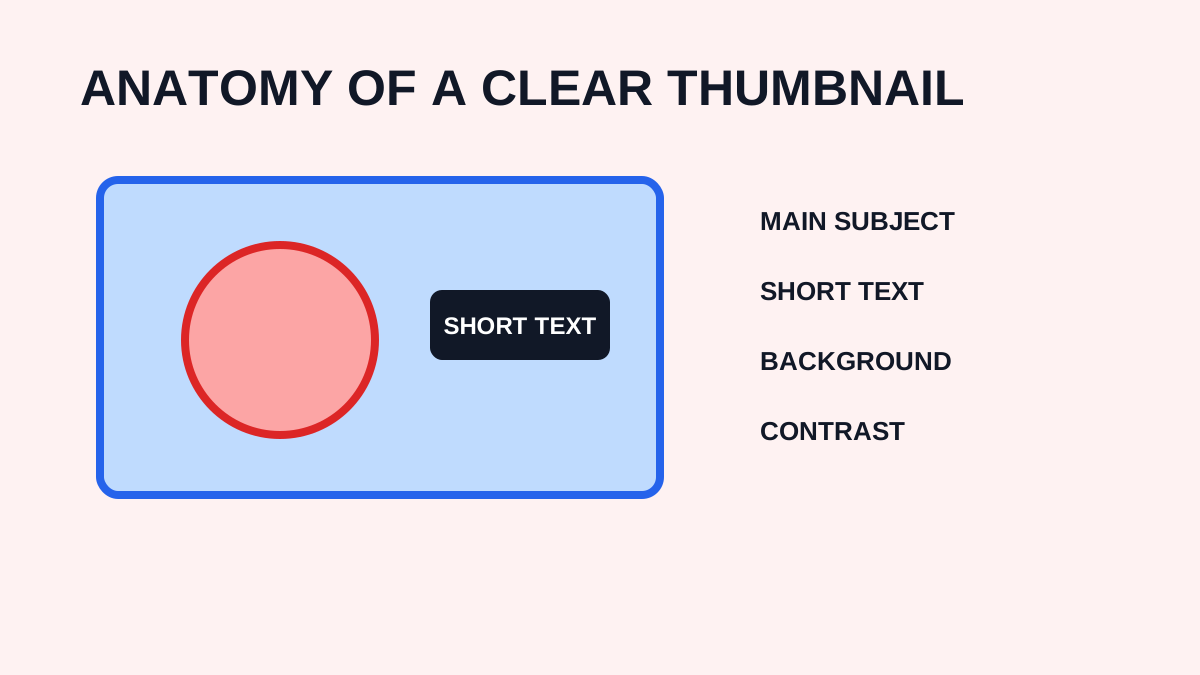
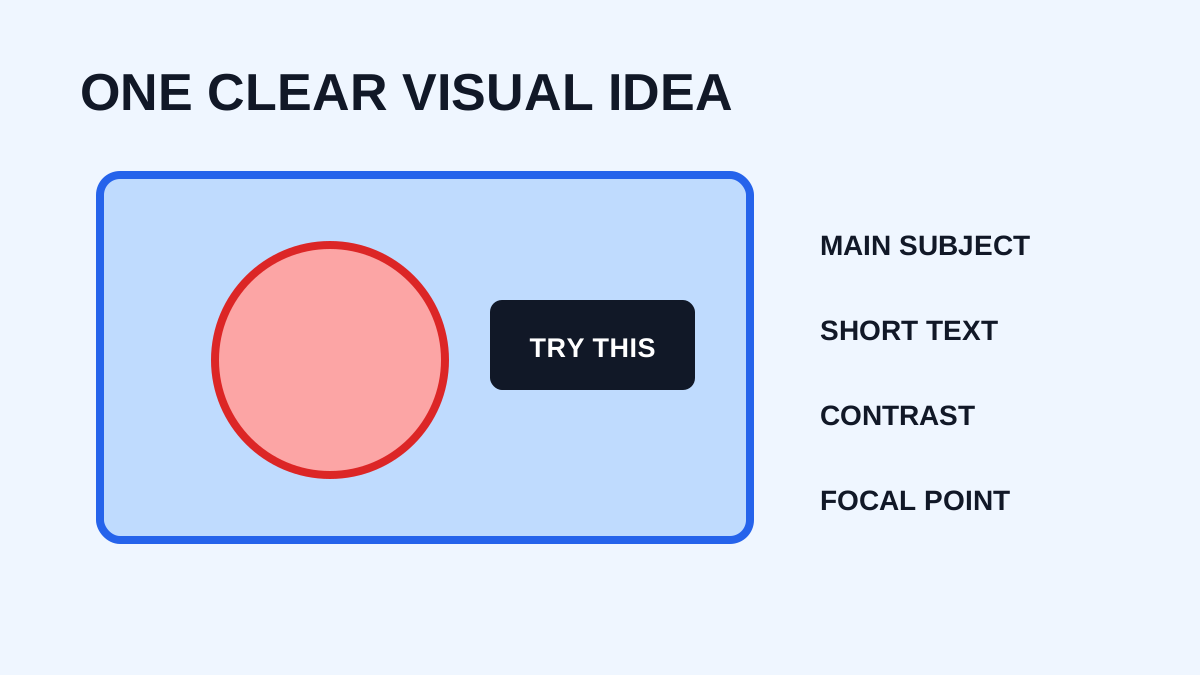
Avoid too many objects. Choose one primary subject such as a person, product, screenshot, result, location, or before-and-after comparison, then make it visually dominant.
Step 3: Add Short Text
A mobile viewer should understand the words without zooming. Use a compact phrase such as “5 EASY FIXES” instead of a complete explanatory sentence.
Step 4: Improve Contrast
If background and text have similar brightness, words may disappear. Try a darker background behind light text, a lighter area behind dark text, a subtle shadow, a solid text box, or a gradient overlay. The goal is readability.
Step 5: Make the Subject Stand Out
Mobile apps may offer background removal or subject-selection tools. These can separate a person or product from a busy background. Avoid excessive effects: a clean cutout is often more useful than heavy processing.
Step 6: Preview the Thumbnail at a Small Size
Zoom out until the image is approximately the size viewers may see in a feed. Ask whether you can identify the subject, read the text, understand the main idea, and ignore distractions. If not, simplify.
Step 7: Export at High Quality
Export in a format supported by YouTube, such as JPG or PNG. YouTube currently recommends high-resolution thumbnails and lists upload limits that can depend on the device and thumbnail type.
Mobile Thumbnail Design Tips
Use fewer elements, large typography, a clear focal point, and only decoration that supports the message. Keep important content away from visual clutter and check the design in both light and dark surroundings.
Can You Make Professional Thumbnails on a Phone?
Yes. A phone can produce high-quality thumbnails when you have good source images, a clear concept, appropriate dimensions, strong typography, contrast, and a consistent style. The biggest limitation is often the design process rather than the device.
Mobile Thumbnail Workflow
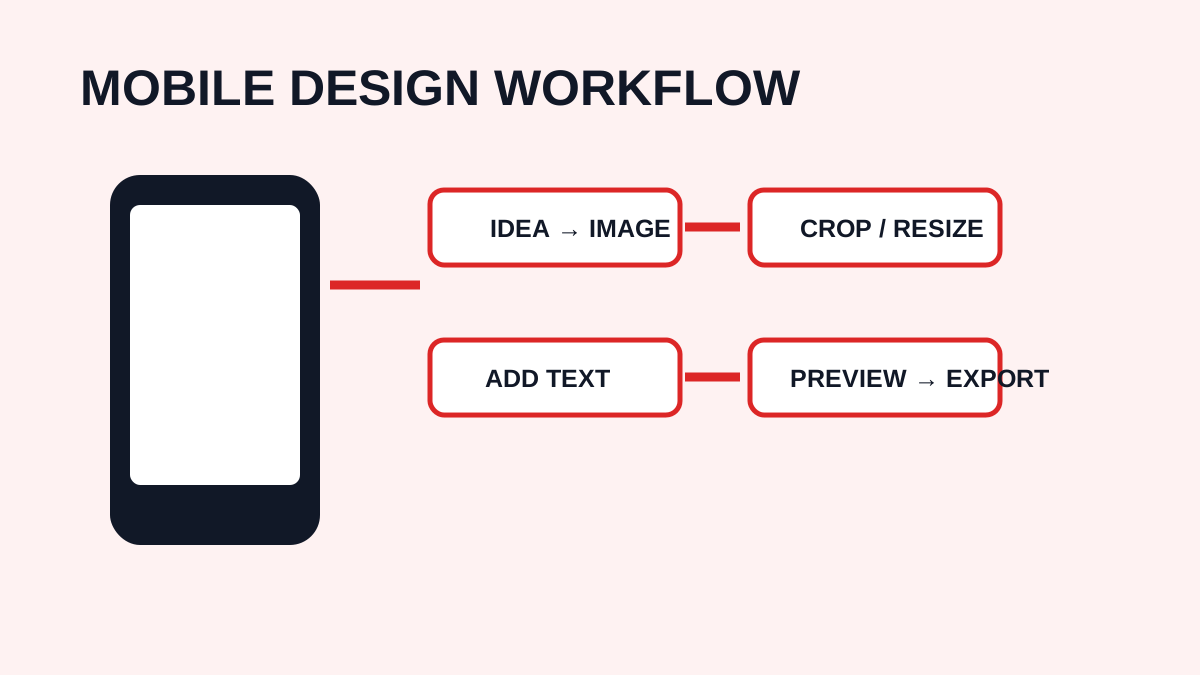
A repeatable workflow is: idea → select image → create canvas → add subject → add text → improve contrast → preview small → export → upload.
Frequently Asked Questions
What size should I use on mobile?
The design dimensions are the same whether you create on a phone or computer. Standard videos use 16:9, and YouTube currently lists 3840 × 2160 as a recommended source resolution.
Can I create thumbnails entirely on my phone?
Yes. Mobile design applications can handle the full workflow.
Should I use lots of text?
Usually not. Short, readable text tends to work better than paragraphs.
Can a phone create 4K thumbnails?
A phone can create or export a high-resolution image if the app and device support it. That does not mean YouTube will serve the thumbnail at 4K.
Need to download a thumbnail?
Use the free YTThumbnaile downloader to retrieve the available public image resolutions from a YouTube video.
Download YouTube Thumbnail