How to Get a YouTube Thumbnail from Any Video
Learn the reliable ways to retrieve a thumbnail from a public YouTube video, including watch links, short links, and Shorts.
In this guide
- 1. The Easiest Way to Get a YouTube Thumbnail
- 2. Which YouTube URLs Can You Use?
- 3. What Is a YouTube Video ID?
- 4. How to Get the Thumbnail Step by Step
- 5. YouTube Thumbnail Resolutions Explained
- 6. How to Get the Thumbnail of a YouTube Short
- 7. How to Get a Thumbnail Without Taking a Screenshot
- 8. Can You Get the Original Thumbnail?
- 9. Why Creators Download Their Own Thumbnails
- 10. Using Other Creators' Thumbnails
- 11. Troubleshooting
- 12. Frequently Asked Questions
Every YouTube video can have a thumbnail in search results, recommendations, playlists, embeds, and other parts of the platform. If you need the image itself, you do not need to take a screenshot or download the entire video: the thumbnail can be retrieved from the video's public URL.
The Easiest Way to Get a YouTube Thumbnail
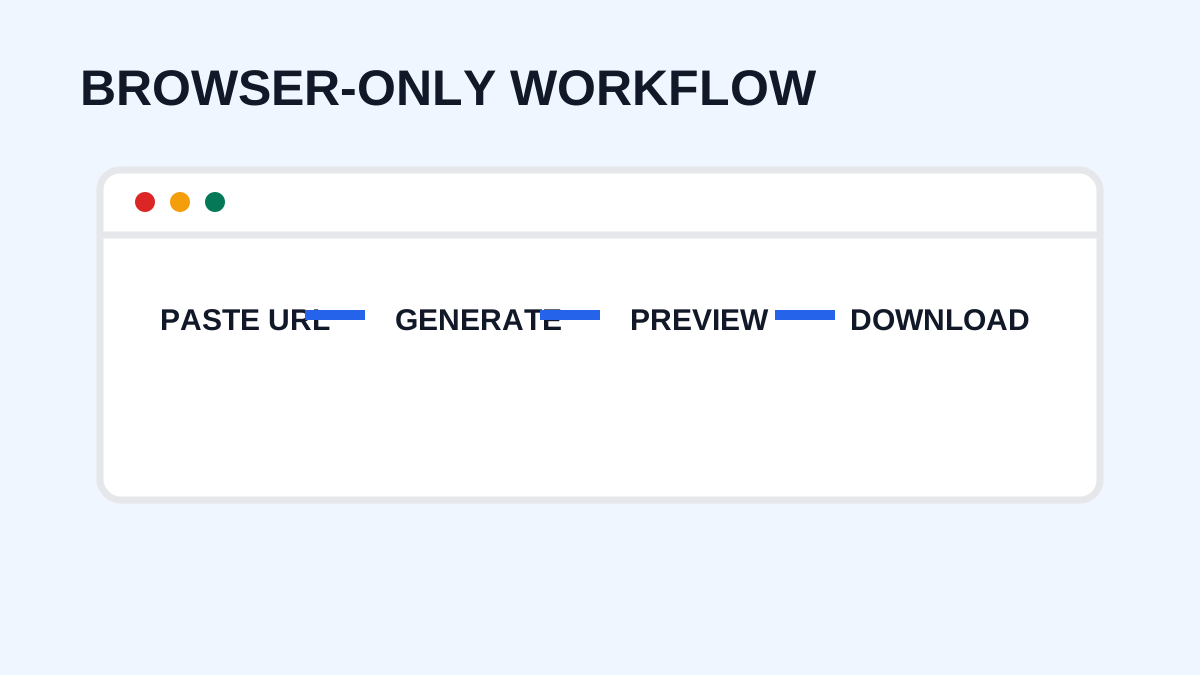
With YTThumbnaile, you can copy a public video URL, paste it into the downloader, review the available resolutions, choose the appropriate image, and save it. This browser workflow does not require downloading the video or installing software.
Which YouTube URLs Can You Use?
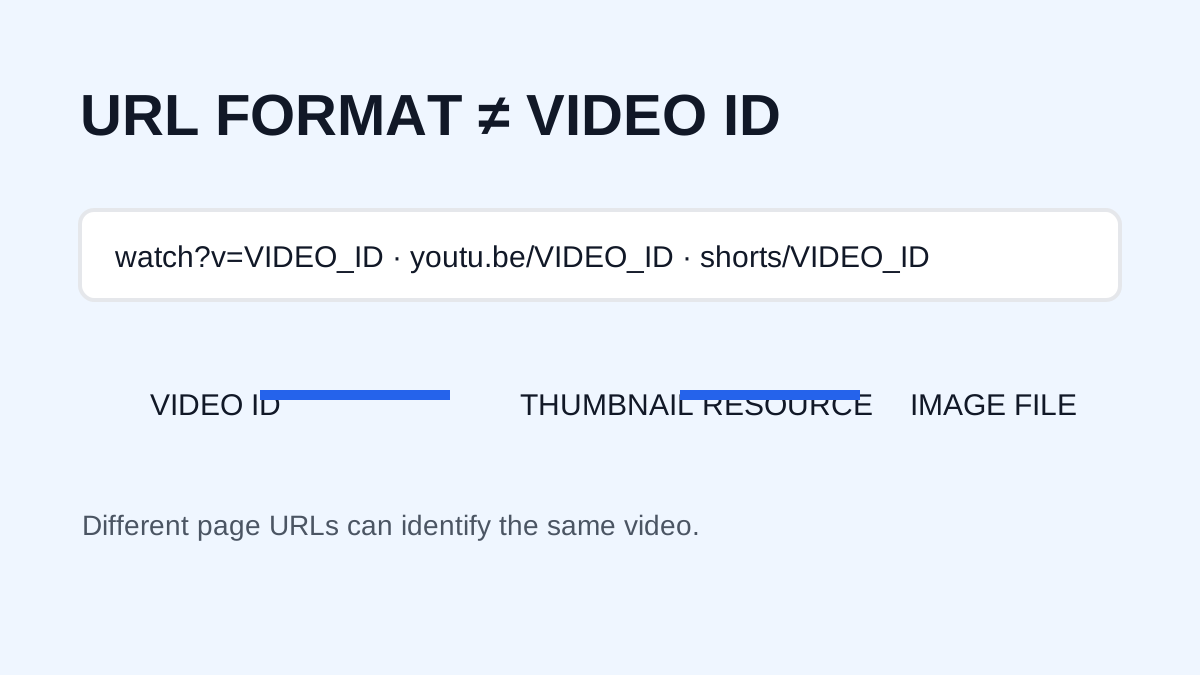
Common formats include:
https://www.youtube.com/watch?v=VIDEO_IDhttps://youtu.be/VIDEO_IDhttps://www.youtube.com/shorts/VIDEO_IDhttps://www.youtube.com/embed/VIDEO_ID
The important part is that the URL identifies a public YouTube video.
What Is a YouTube Video ID?
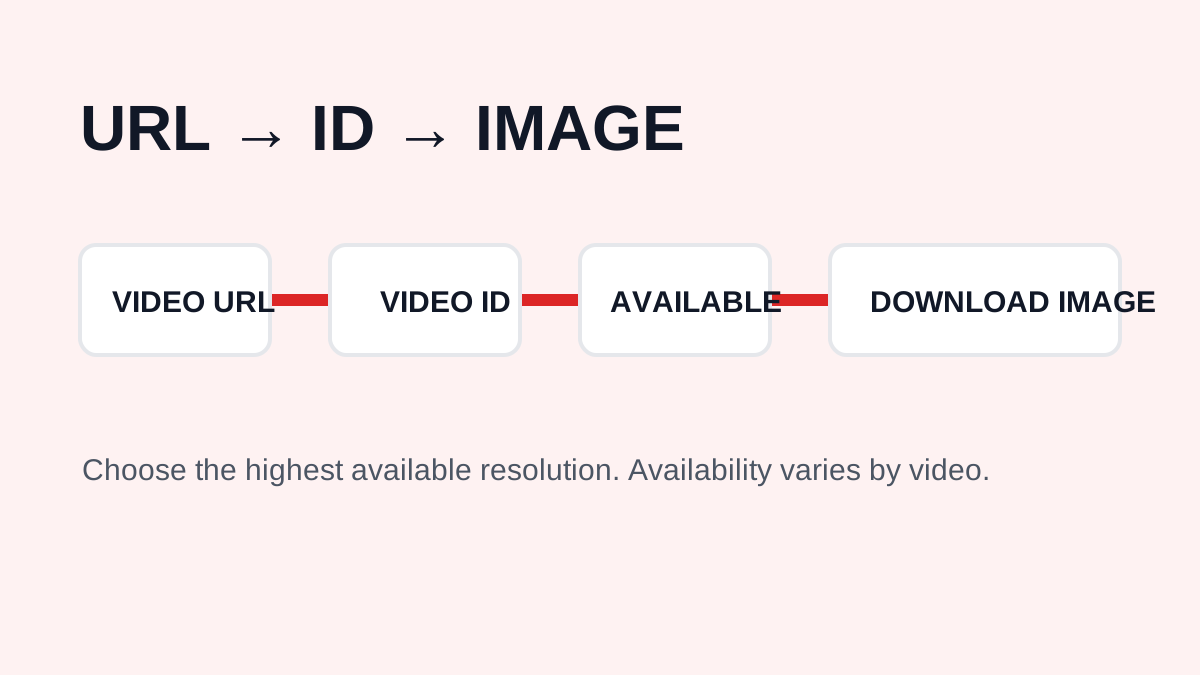
A video ID is the unique identifier assigned to a video. In youtube.com/watch?v=ABC123, the value after v= identifies the video. In youtu.be/ABC123, the identifier is in the path. Thumbnail systems use this identifier to locate images associated with the video.
How to Get the Thumbnail Step by Step
1. Find the YouTube video
Open the video you want to analyze or save.
2. Copy its URL
Use the browser address bar or YouTube's Share option. Copy the complete video link rather than a search page.
3. Open YTThumbnaile
Paste the URL into the downloader and submit it.
4. Review the available images
The downloader presents the thumbnail versions associated with the video. Availability can vary, so inspect the actual previews.
5. Choose the highest useful resolution
When 1280 × 720 is available, it is normally the best option for a larger image. Otherwise choose the highest available alternative. A downloader cannot create a genuine higher-resolution original when YouTube does not provide one.
YouTube Thumbnail Resolutions Explained
Typical variants include 1280 × 720, 640 × 480, 480 × 360, 320 × 180, and 120 × 90. Exact availability varies. A thumbnail's resolution is separate from the video's resolution, so a 4K upload can still have a lower-resolution thumbnail.
How to Get the Thumbnail of a YouTube Short
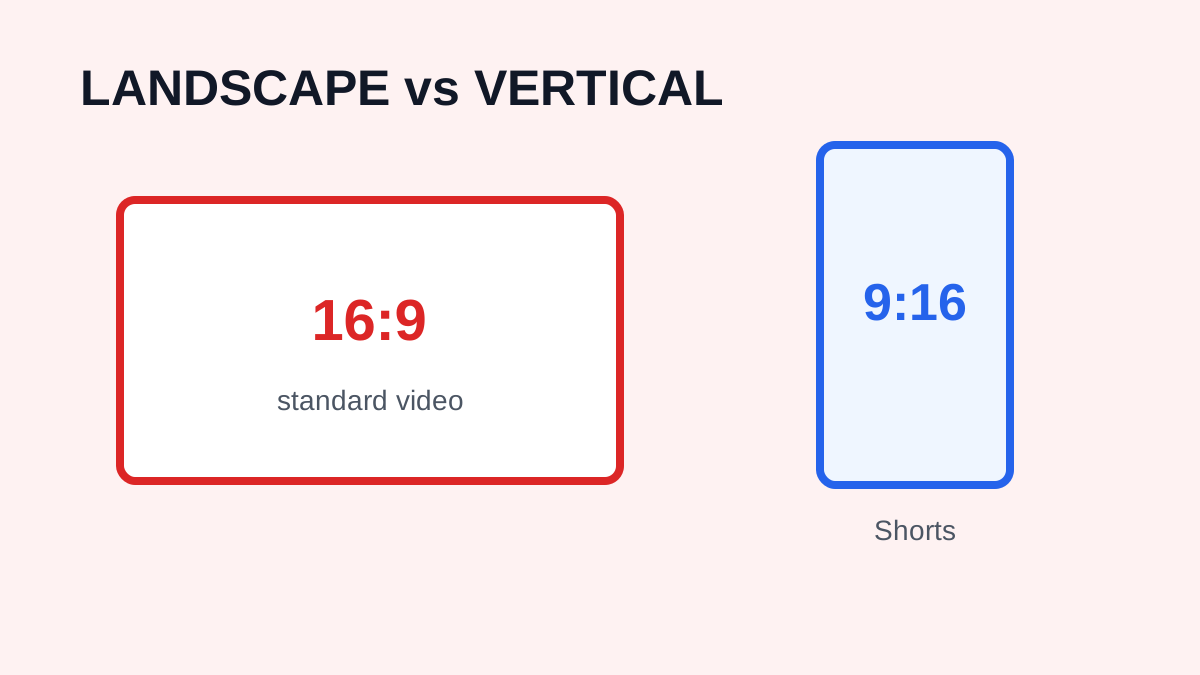
A Shorts URL usually uses youtube.com/shorts/VIDEO_ID. Copy the complete link and submit it. If the associated image is available through YouTube's image system, the tool can retrieve the available versions. Because Shorts are displayed in a vertical feed while public variants may be landscape, compare the result with the Short's page.
How to Get a Thumbnail Without Taking a Screenshot
Screenshots can include browser controls, YouTube interface elements, surrounding text, player controls, and scaling artifacts. A downloader focuses on the image associated with the video instead of capturing the whole page.
Can You Get the Original Thumbnail?
“Original thumbnail” can mean the highest-resolution image publicly served by YouTube or the exact design file uploaded by the creator. A downloader can help retrieve the former, not the latter. The source project may contain layers, fonts, vectors, and images that are not present in the public thumbnail.
Why Creators Download Their Own Thumbnails
Channel owners may keep local copies for design archives, testing records, comparing old and new designs, social posts, or future redesigns. Keeping the original editable design file is still preferable because the image served by YouTube may not preserve every property of the source.
Using Other Creators' Thumbnails
Public visibility does not mean unrestricted reuse. A thumbnail may be protected by copyright, trademark, privacy, or other rights. Consider the purpose and applicable law before using it in an article, video, presentation, product, or social post. Ask the rights holder for permission when necessary.
Troubleshooting
The downloader cannot process my URL
Confirm that the URL belongs to YouTube and was copied completely.
The image is low resolution
Try the highest available variant. If YouTube does not provide a larger version, the downloader cannot create a genuine higher-resolution file.
I uploaded a 4K video but the thumbnail is not 4K
This is normal. Video resolution and thumbnail resolution are separate.
The thumbnail changed
Creators can change a video's thumbnail. The currently available image may differ from an older version.
Frequently Asked Questions
Can I get a thumbnail from a YouTube URL?
Yes. Paste a supported public YouTube URL into the downloader to retrieve available thumbnail images.
Can I get thumbnails from Shorts?
Yes, supported Shorts URLs can be processed when the associated thumbnail is available.
Can I get a thumbnail without downloading the video?
Yes. The thumbnail is a separate image.
Can I get a 4K thumbnail?
Not necessarily. YTThumbnaile retrieves available thumbnail resolutions, generally up to 1280 × 720.
Need to download a thumbnail?
Use the free YTThumbnaile downloader to retrieve the available public image resolutions from a YouTube video.
Download YouTube Thumbnail