How to Download YouTube Shorts Thumbnails
Find and save the thumbnail associated with a YouTube Short, while understanding why Shorts previews can behave differently.
In this guide
- 1. What Is a YouTube Shorts Thumbnail?
- 2. How to Download a YouTube Shorts Thumbnail
- 3. What Resolution Are Shorts Thumbnails?
- 4. Can You Download a Thumbnail From Any Short?
- 5. Downloading Shorts Thumbnails for Research
- 6. Can You Use Someone Else's Shorts Thumbnail?
- 7. What If the Thumbnail Looks Blurry?
- 8. Shorts Thumbnail vs. Video Frame
- 9. Frequently Asked Questions
YouTube Shorts use vertical video formats, and their thumbnails can look different from traditional YouTube video thumbnails. If you want to save a thumbnail from a Short for reference, research, design inspiration, or another legitimate purpose, you can usually do so with the public Shorts URL.
What Is a YouTube Shorts Thumbnail?
A YouTube Shorts thumbnail is the preview image associated with a Short. It helps viewers identify the video before watching it and can appear in different areas of YouTube.
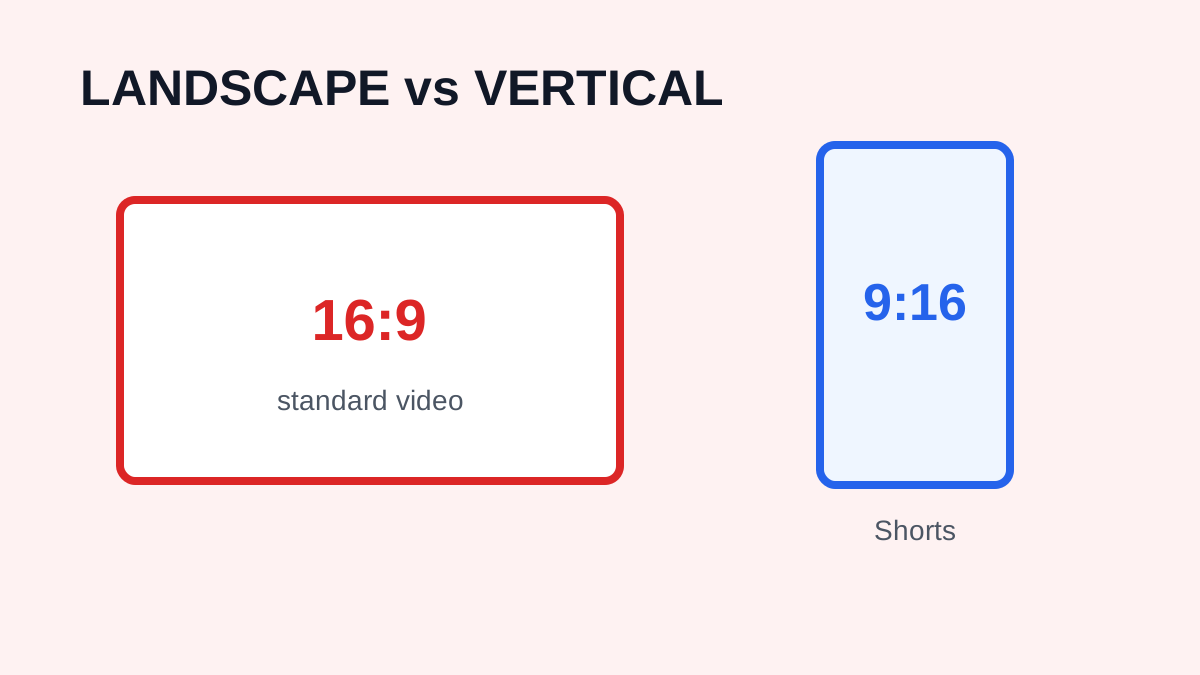
Shorts are primarily designed around vertical video. YouTube currently recommends a 9:16 aspect ratio for custom Shorts thumbnails. A Shorts thumbnail is not necessarily the same as a frame from the video: depending on how the Short was uploaded and configured, YouTube may use a selected frame, an uploaded image, or another available preview.
How to Download a YouTube Shorts Thumbnail
Step 1: Copy the Shorts URL
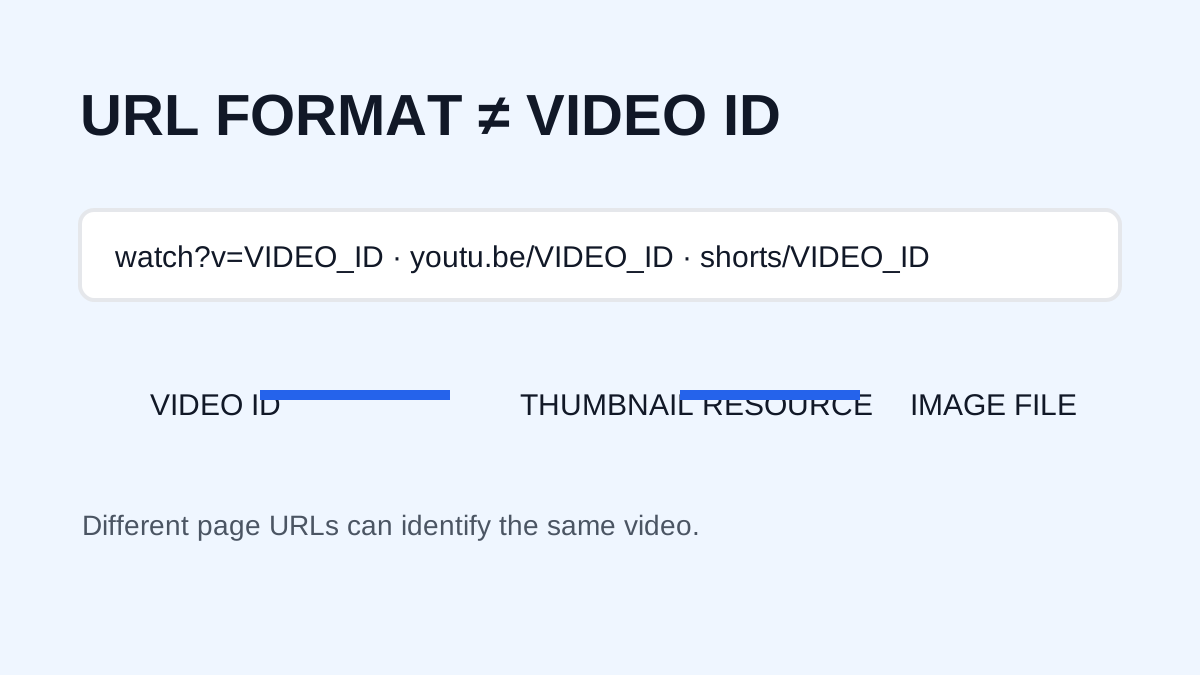
Open the Short and copy its URL. A typical link looks like https://www.youtube.com/shorts/VIDEO_ID. The important part is the unique video ID.
Step 2: Open a Thumbnail Downloader
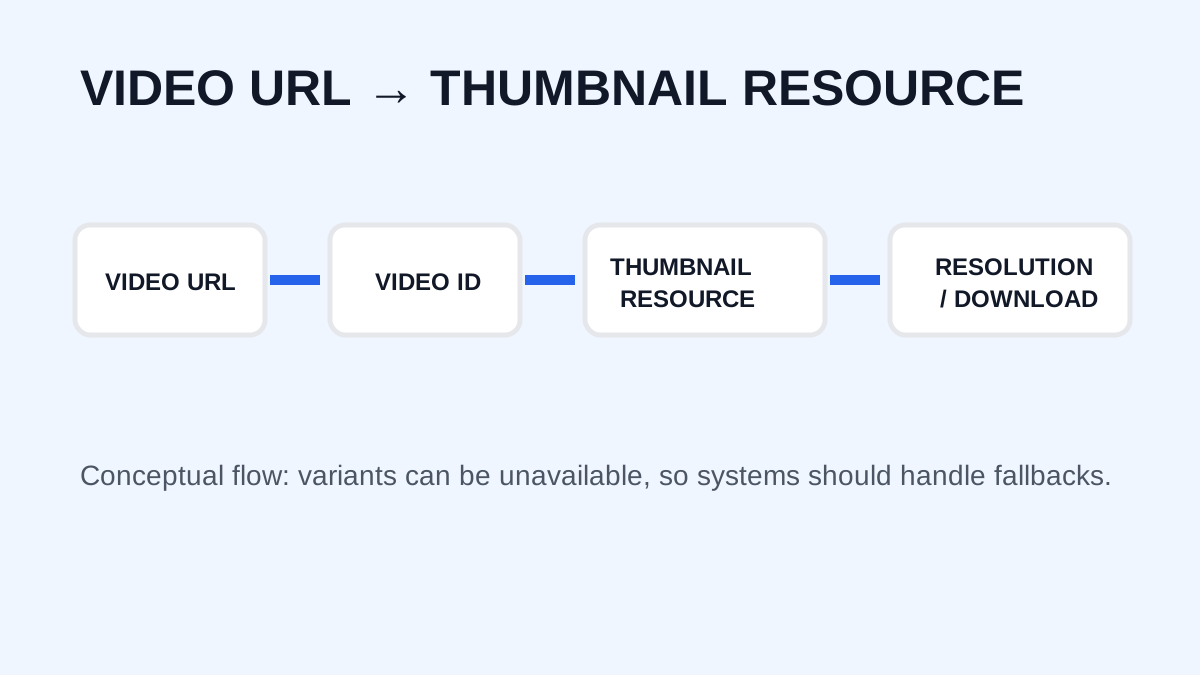
Open YTThumbnaile, paste the Shorts URL into the input field, and submit it. A good downloader recognizes the video ID instead of requiring you to construct an image URL manually.
Step 3: Generate the Available Thumbnail
Wait for the available thumbnail images to load. Depending on the Short and the source image available through YouTube, the tool may provide one or more resolutions.
Step 4: Save the Image
Choose the available image that provides the quality you need and save it. If the image is smaller than expected, that does not necessarily mean the downloader is malfunctioning: YouTube's available thumbnail assets can vary.
What Resolution Are Shorts Thumbnails?
Do not assume that every Short provides a large 4K thumbnail. Video resolution and thumbnail resolution are separate. A Short may be uploaded at high video resolution while its public thumbnail has different dimensions.
For creators designing their own Shorts thumbnails, YouTube currently recommends a 9:16 aspect ratio and lists 2160 × 3840 pixels as a recommended resolution. That recommendation does not mean every downloaded Short provides a 2160 × 3840 image.
Can You Download a Thumbnail From Any Short?
Not necessarily at every resolution. A downloader can retrieve only image assets that are publicly available and accessible. Behavior can vary depending on how a Short was uploaded, when it was published, and how YouTube serves the preview. If one resolution is unavailable, try another available version rather than assuming the Short has no thumbnail.
Downloading Shorts Thumbnails for Research
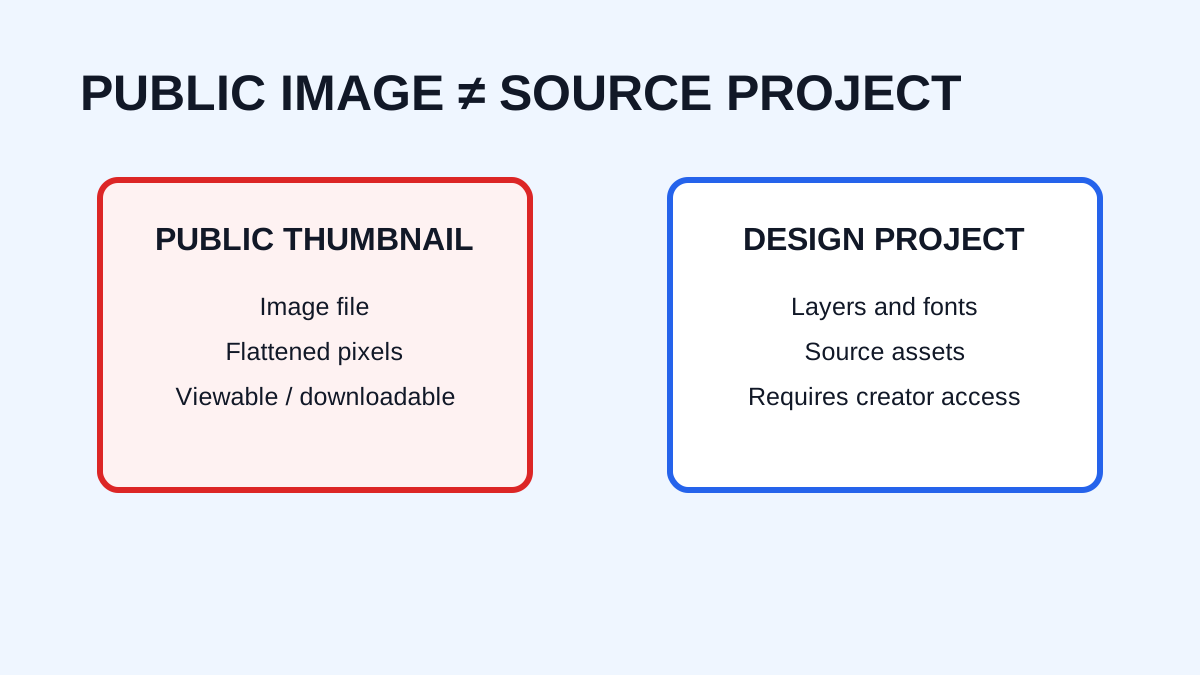
Creators can use downloaded thumbnails for legitimate research, including studying composition, comparing visual styles, researching competitors, understanding typography, analyzing color and contrast, and building internal design references. Downloading an image does not automatically give permission to republish or commercially use it.
Can You Use Someone Else's Shorts Thumbnail?
Be careful with copyright. A thumbnail may contain original artwork, photographs, logos, characters, or other protected material. Saving an image for personal reference differs from publishing it on a website, advertisement, product, or social account. For public reuse, make sure you have appropriate rights or permission. See the Copyright, Fair Use & DMCA Policy.
What If the Thumbnail Looks Blurry?
A downloaded image may look blurry because the source is small, the expected resolution is unavailable, the original was created at low resolution, the browser displayed a scaled preview, or you are viewing a preview rather than the image itself. Upscaling can make an image larger but cannot recreate missing detail.
Shorts Thumbnail vs. Video Frame
A thumbnail and a video frame are related but not identical. A video frame is a still taken from the actual video, while a thumbnail can be designed or selected specifically to represent the content. Downloading a thumbnail may therefore produce a different image from a screenshot of the Short.
Frequently Asked Questions
Can I download a YouTube Shorts thumbnail for free?
If the thumbnail is publicly accessible, a browser-based downloader can make it easier to save the available image. Downloading does not determine what later reuse is permitted.
Are Shorts thumbnails vertical?
Shorts are designed around vertical video, and YouTube currently recommends a 9:16 aspect ratio for custom Shorts thumbnails.
Can I download a 4K Shorts thumbnail?
Not necessarily. Availability depends on the actual image asset provided by YouTube. Video resolution does not automatically determine thumbnail resolution.
Can I use a downloaded Shorts thumbnail commercially?
Not automatically. Downloading an image does not transfer copyright or commercial reuse rights.
What should I do if the Shorts URL does not work?
Copy the complete public URL again directly from YouTube and confirm that the Short is still publicly accessible.
Need to download a thumbnail?
Use the free YTThumbnaile downloader to retrieve the available public image resolutions from a YouTube video.
Download YouTube Thumbnail