How to Download YouTube Video Thumbnails Without Software
Use a browser to retrieve a public YouTube thumbnail quickly, with practical checks for quality and responsible reuse.
In this guide
- 1. Why Use a Browser-Based Downloader?
- 2. How to Download a Thumbnail Without Software
- 3. Do I Need to Install a Browser Extension?
- 4. Can I Use This Method on a Phone?
- 5. What Video URLs Are Supported?
- 6. What If the Downloaded Image Is Small?
- 7. Can I Download YouTube Thumbnails in HD?
- 8. Is Downloading a Thumbnail Legal?
- 9. Browser Downloader vs Desktop Software
- 10. Frequently Asked Questions
You do not need desktop software just to download a YouTube video thumbnail. A browser-based downloader can extract the publicly available thumbnail from a video URL and let you save the image directly to your device for research, reference, design analysis, or another legitimate purpose.
Why Use a Browser-Based Downloader?
A web-based tool requires no installation, works across supported computers, tablets, and phones, and typically needs only the YouTube URL. It is convenient for occasional downloads because there is no application to configure or update.
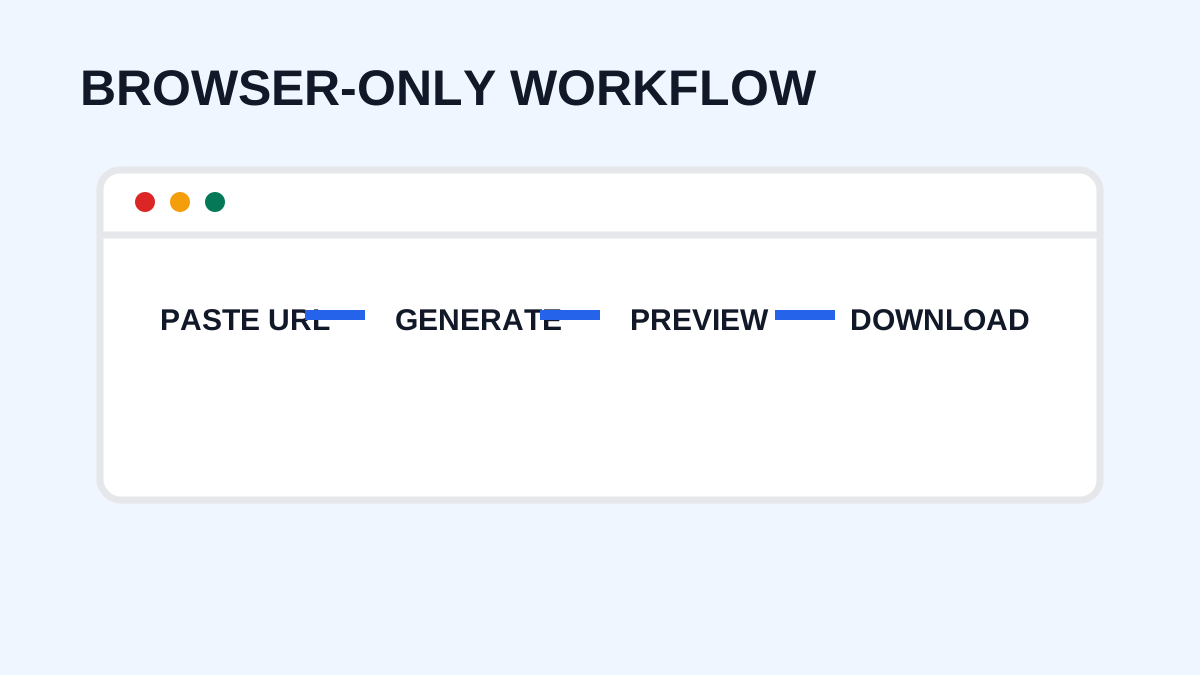
How to Download a Thumbnail Without Software
Step 1: Find the YouTube Video
Open the video whose thumbnail you want to save.
Step 2: Copy the URL
Copy the public YouTube URL from your browser or YouTube's sharing options.
Step 3: Open a Thumbnail Downloader
Open YTThumbnaile in your browser.
Step 4: Paste the URL
Paste the video URL into the input field.
Step 5: Generate the Thumbnail
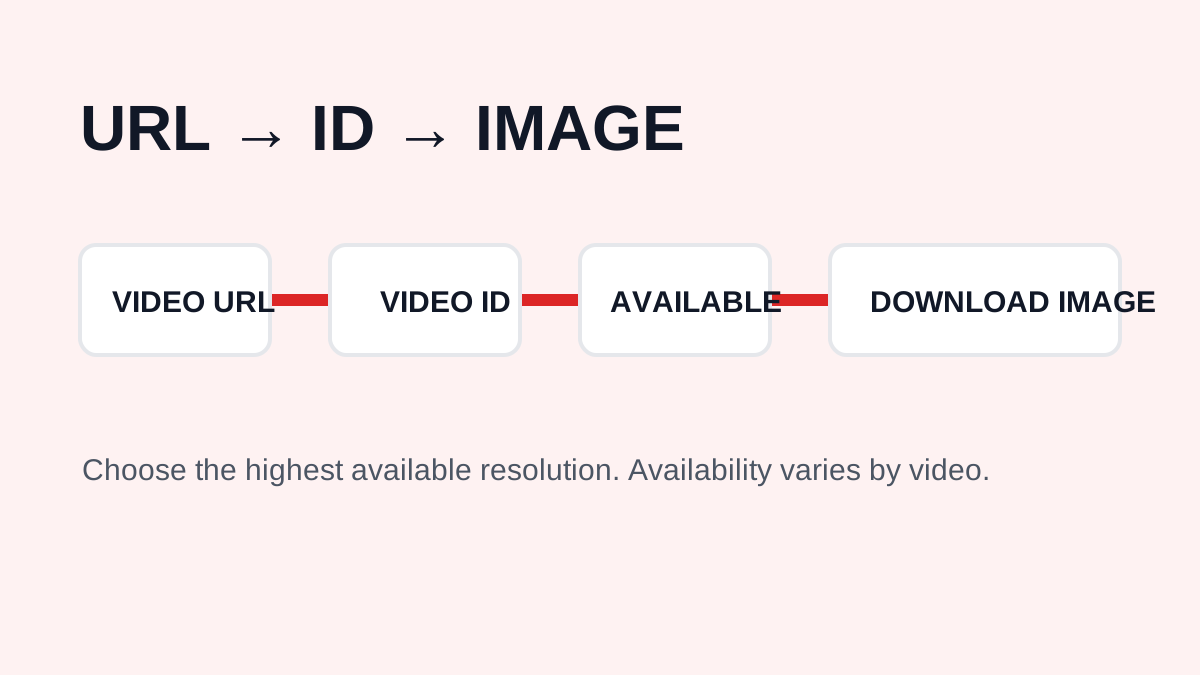
Submit the URL and allow the tool to retrieve the available thumbnail variants.
Step 6: Choose the Available Quality
If multiple image sizes are available, select the version that fits your need and is actually sharp.
Step 7: Save the Image
Use the download option to save the image to your device. Browser behavior can vary by device and operating system.
Do I Need to Install a Browser Extension?
No. A browser-based downloader can perform the basic process without an extension. Avoid installing unnecessary software when a simple web workflow is sufficient.
Can I Use This Method on a Phone?
Yes. Copy the YouTube URL, open the downloader, paste it, generate the thumbnail, and save the result. Exact download behavior depends on your browser and device.
What Video URLs Are Supported?
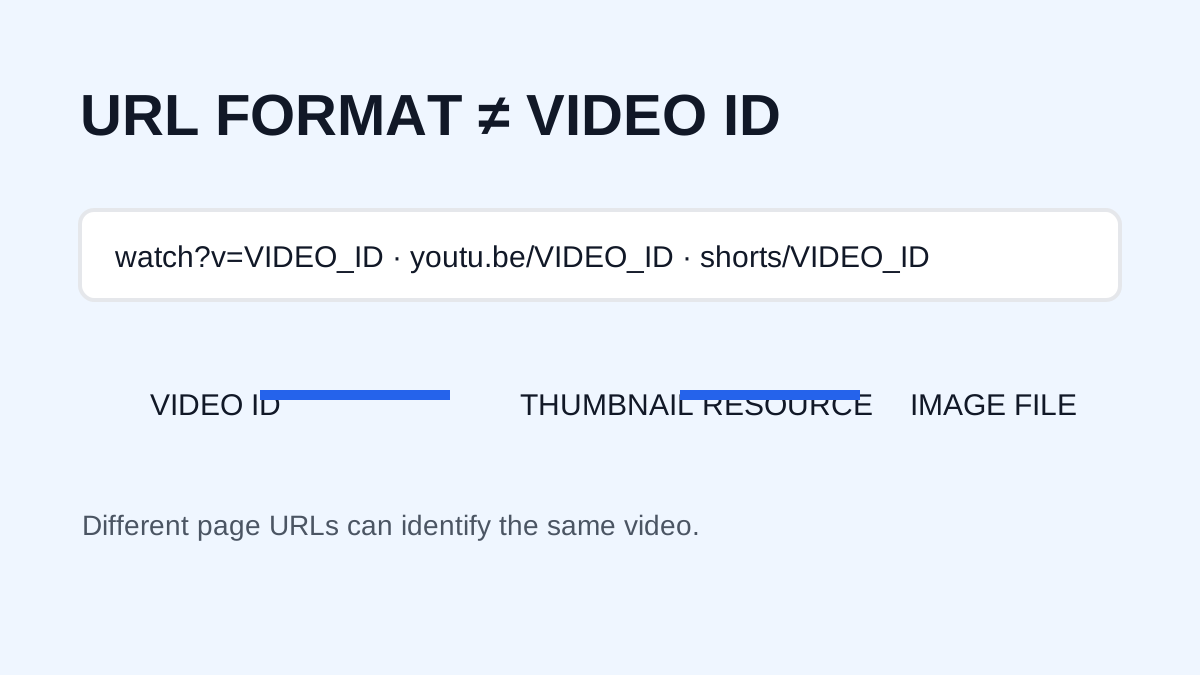
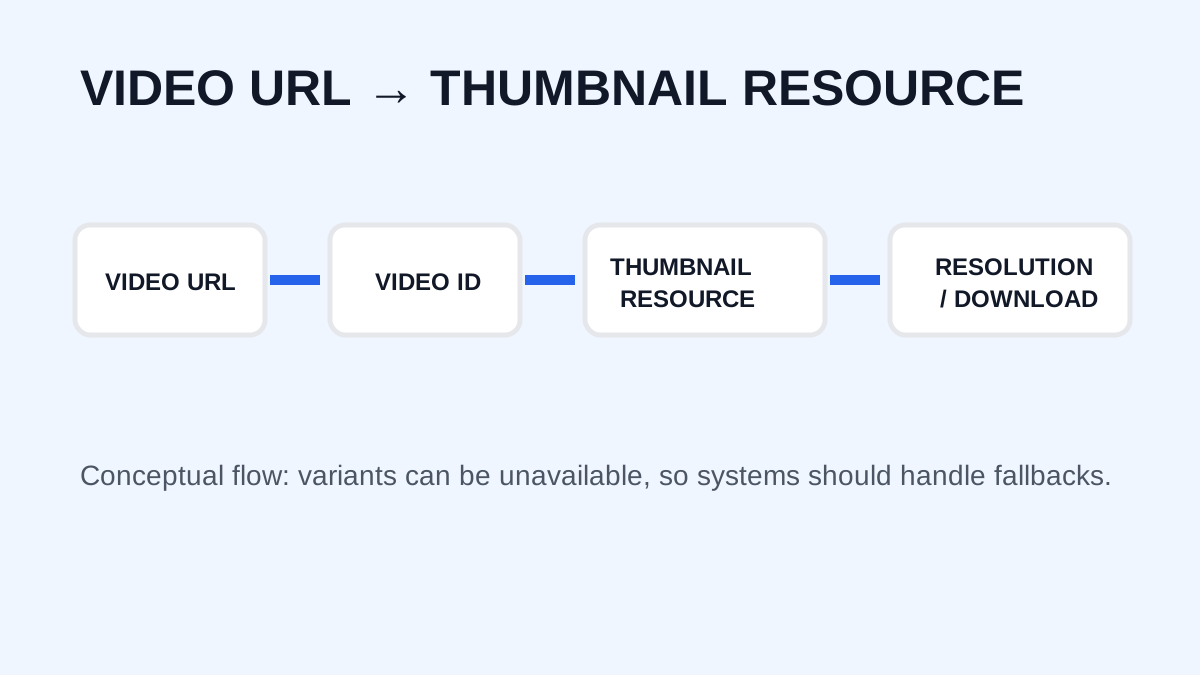
A downloader may support standard watch URLs, shortened youtu.be URLs, and Shorts URLs. The important information is the video's unique ID. YTThumbnaile also accepts supported embed links.
What If the Downloaded Image Is Small?
Not every video provides the same assets. A small result can reflect limited available resolution, the original thumbnail, a particular YouTube variant, or how the asset is currently served. Repeating the download cannot create detail that YouTube did not provide.
Can I Download YouTube Thumbnails in HD?
If an HD thumbnail is publicly available for the video, a downloader can retrieve it. For many traditional thumbnails, 1280 × 720 has historically been common. YouTube's current creator recommendations encourage higher-resolution source uploads, including 3840 × 2160, but that does not mean every public thumbnail is served at that resolution.
Is Downloading a Thumbnail Legal?
Downloading an image does not grant copyright ownership or permission to republish it. Personal research, education, commentary, and design analysis can raise different legal considerations depending on what you do and where you are located. For commercial reuse, obtain permission or use an image for which you have appropriate rights. See the Copyright, Fair Use & DMCA Policy.
Browser Downloader vs Desktop Software
| Feature | Browser downloader | Desktop software |
| Installation | Not required | Usually required |
| Quick downloads | Yes | Yes |
| Multiple devices | Usually | Depends on software |
| Setup | Minimal | May require configuration |
| Occasional use | Convenient | Often unnecessary |
For simple thumbnail downloads, a browser-based tool is usually the easier option.
Frequently Asked Questions
Can I download a YouTube thumbnail without installing anything?
Yes. A browser-based downloader can retrieve an available thumbnail without desktop software.
Can I download thumbnails on my phone?
Yes, if the downloader supports mobile browsers.
Can I download Shorts thumbnails without software?
Yes, where the thumbnail asset is publicly available and accessible.
Does downloading a thumbnail give me copyright ownership?
No. Downloading a copy does not transfer ownership.
Is browser-based downloading safe?
Use reputable tools, avoid unnecessary downloads, and never provide passwords or sensitive account information to a thumbnail downloader.
Need to download a thumbnail?
Use the free YTThumbnaile downloader to retrieve the available public image resolutions from a YouTube video.
Download YouTube Thumbnail